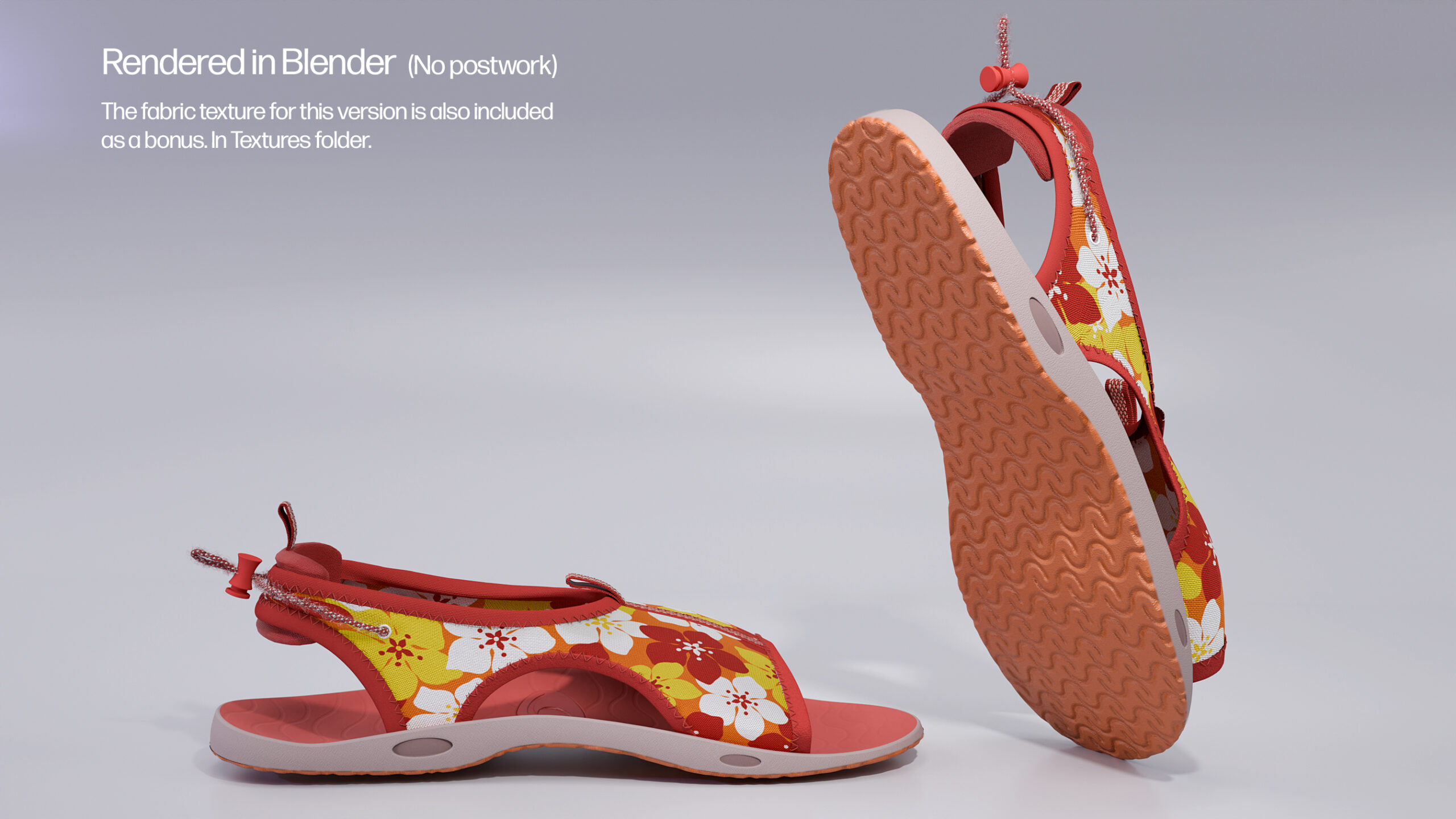
Beach Sandals

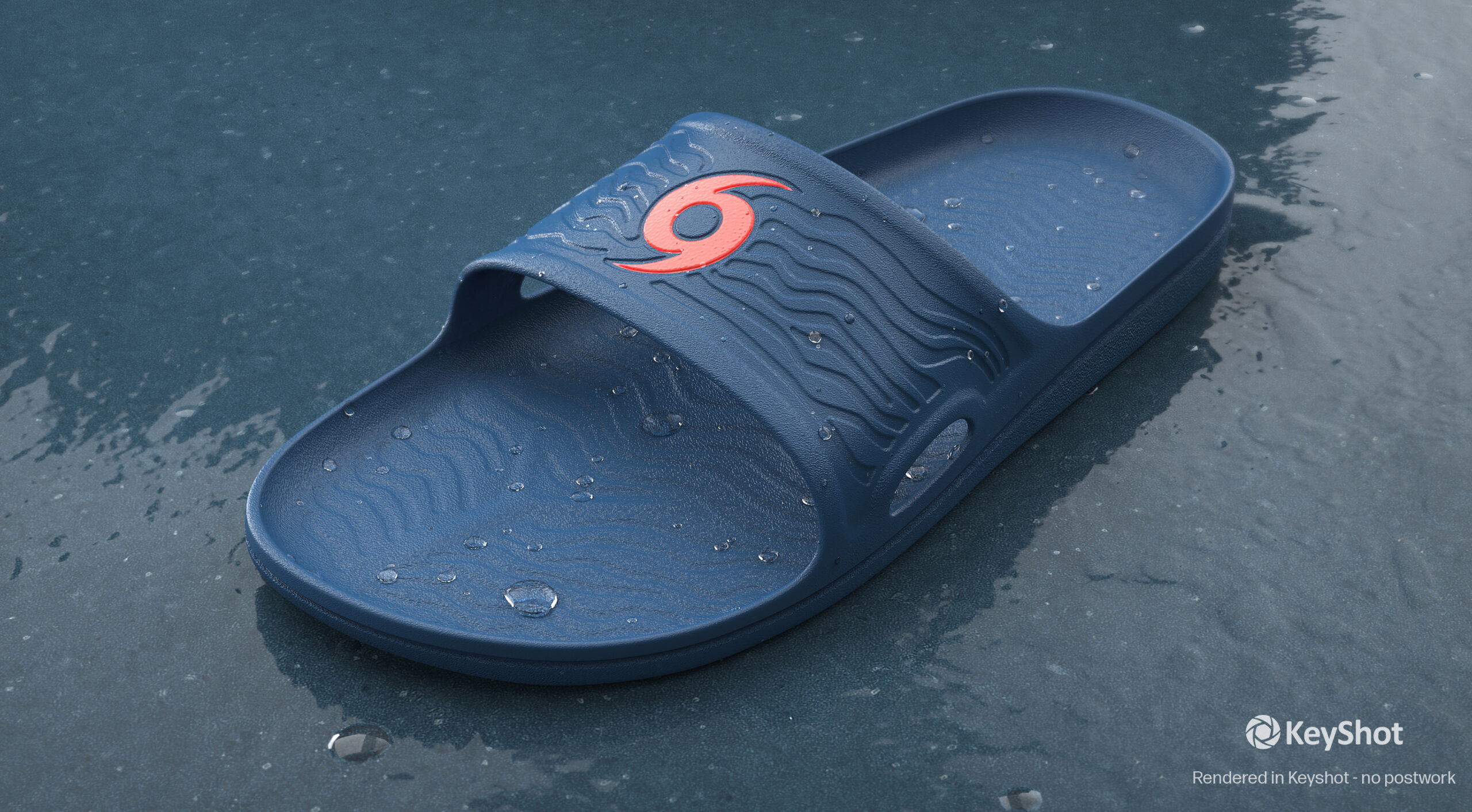
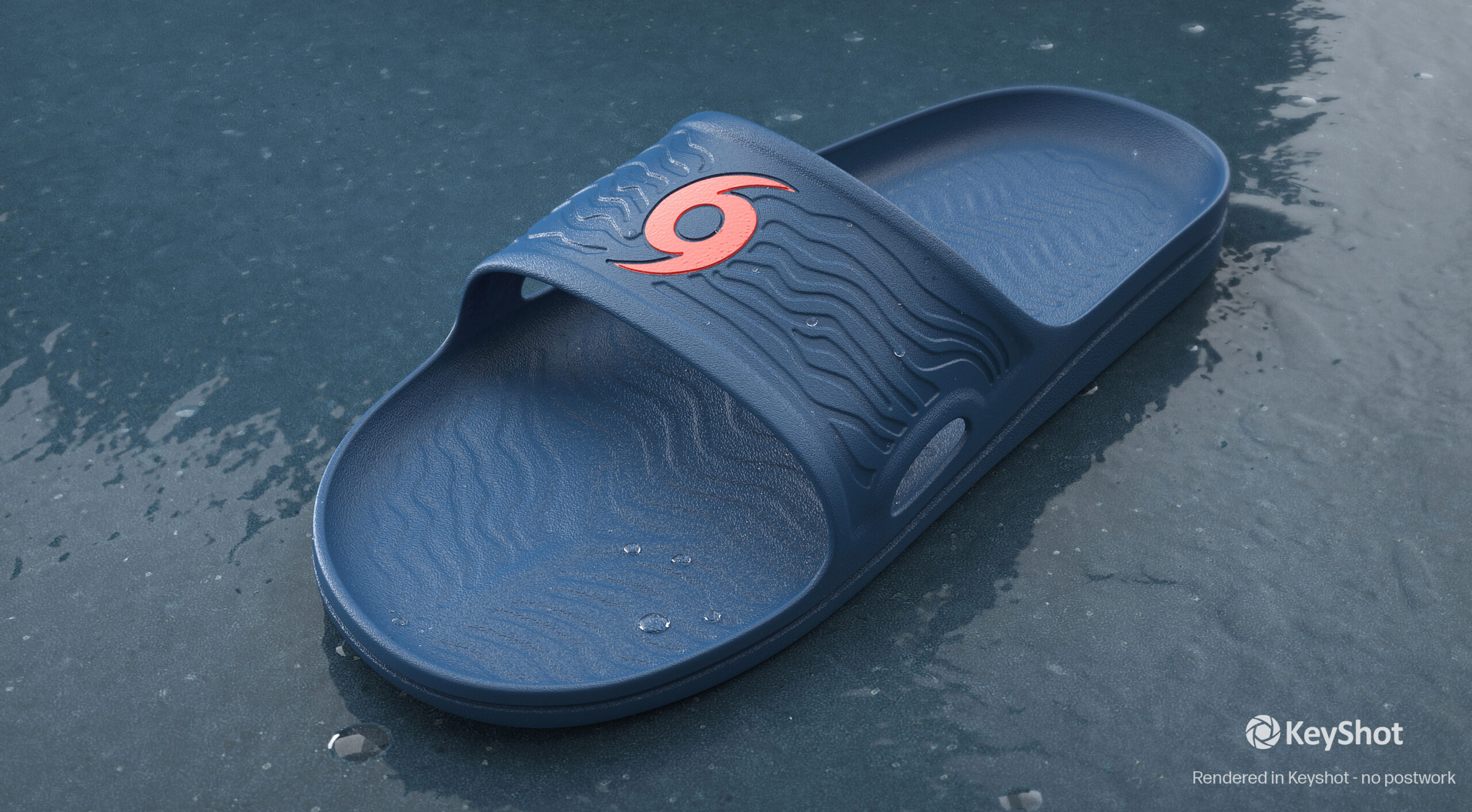
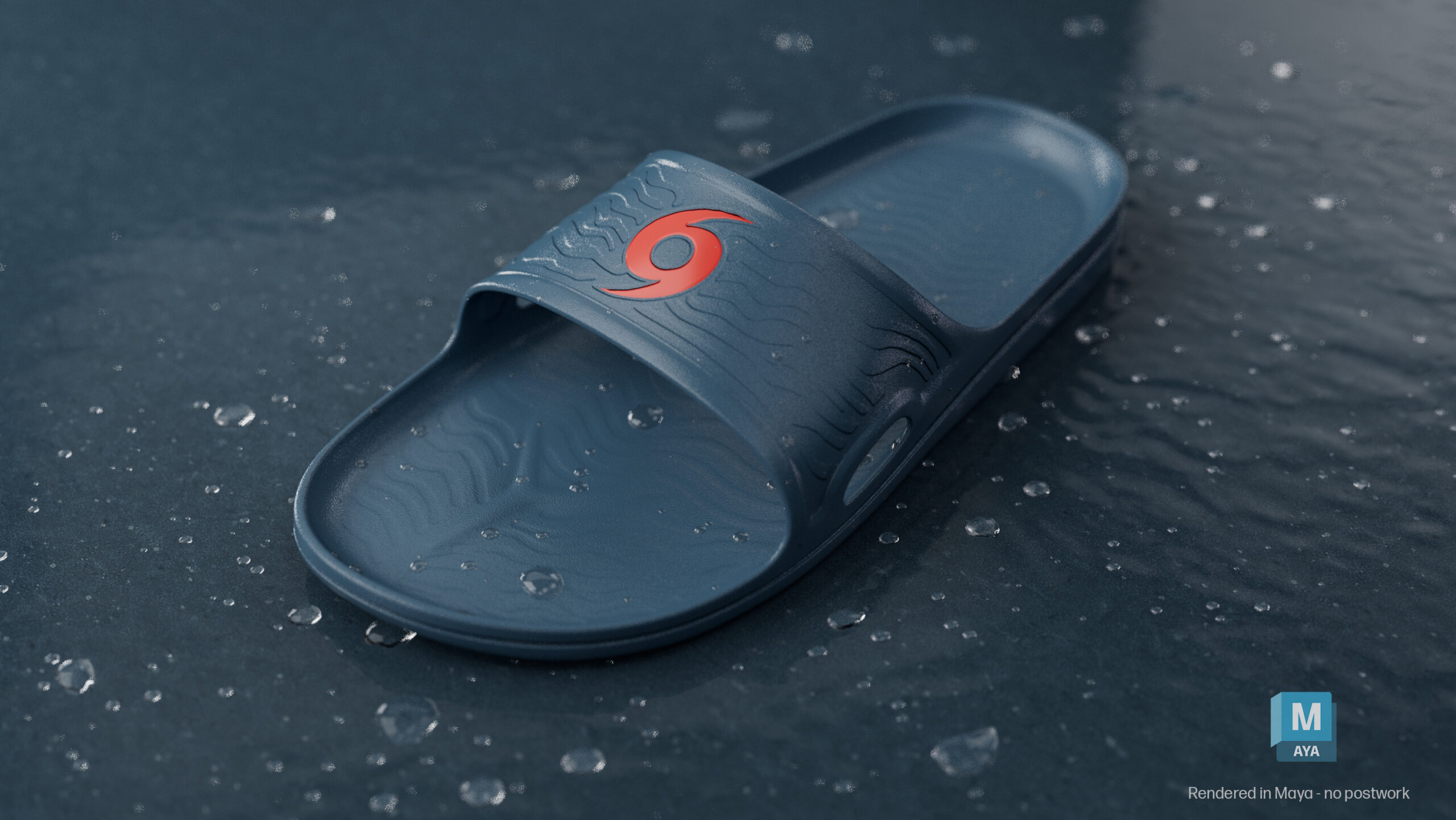
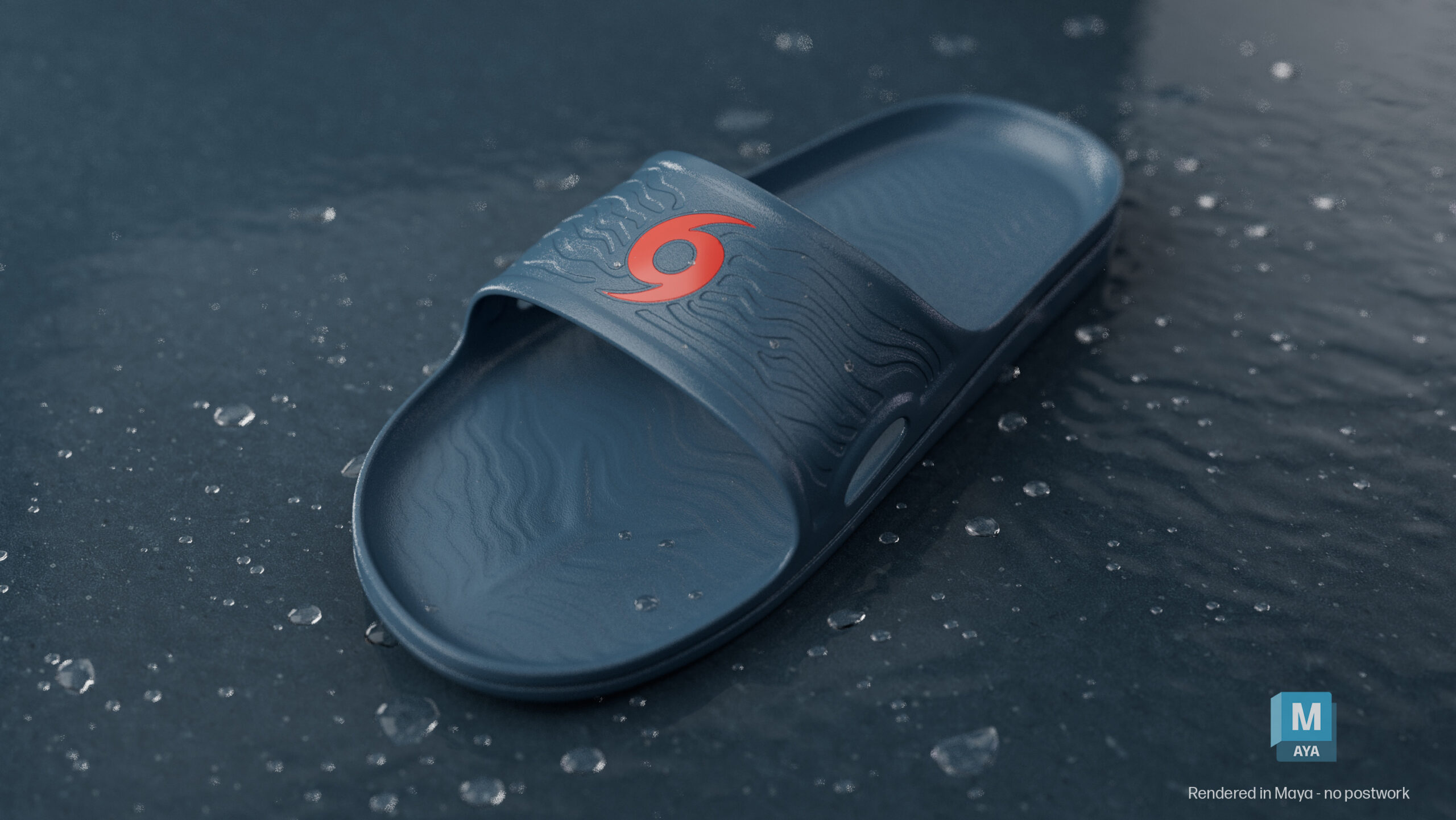
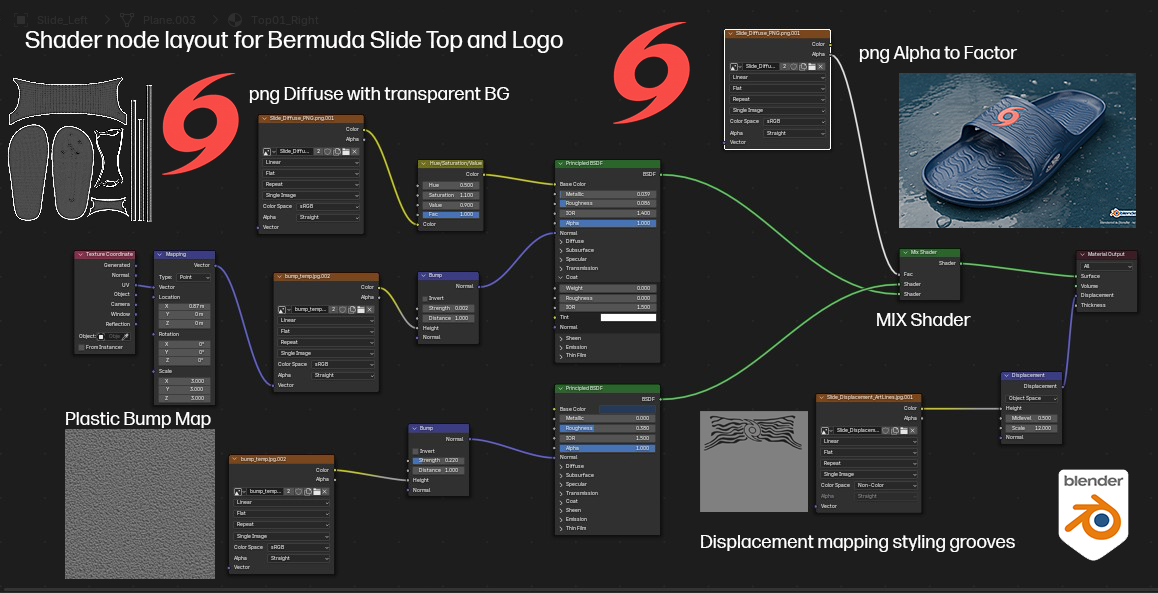
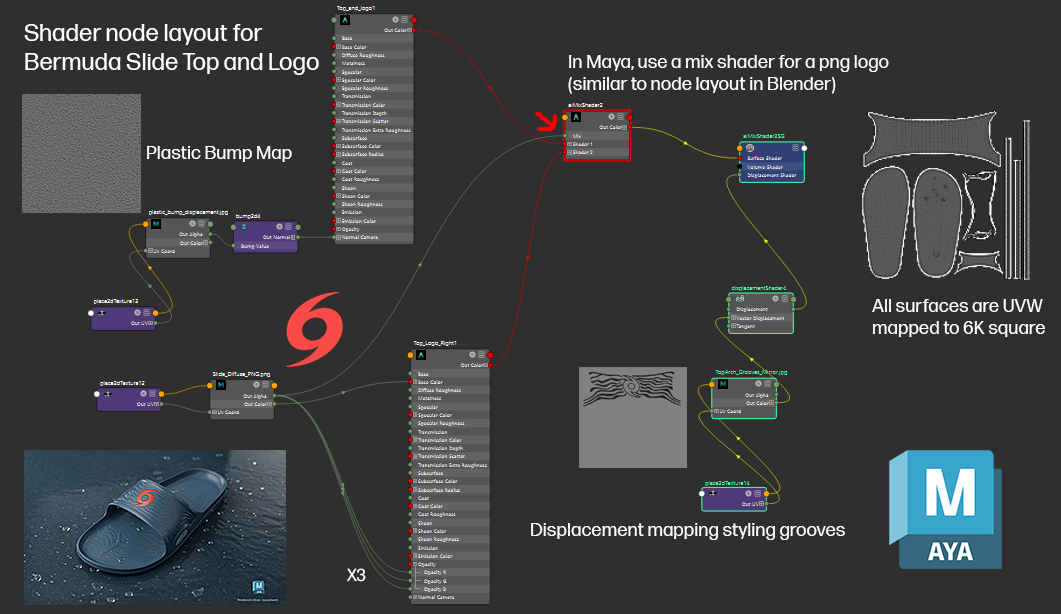
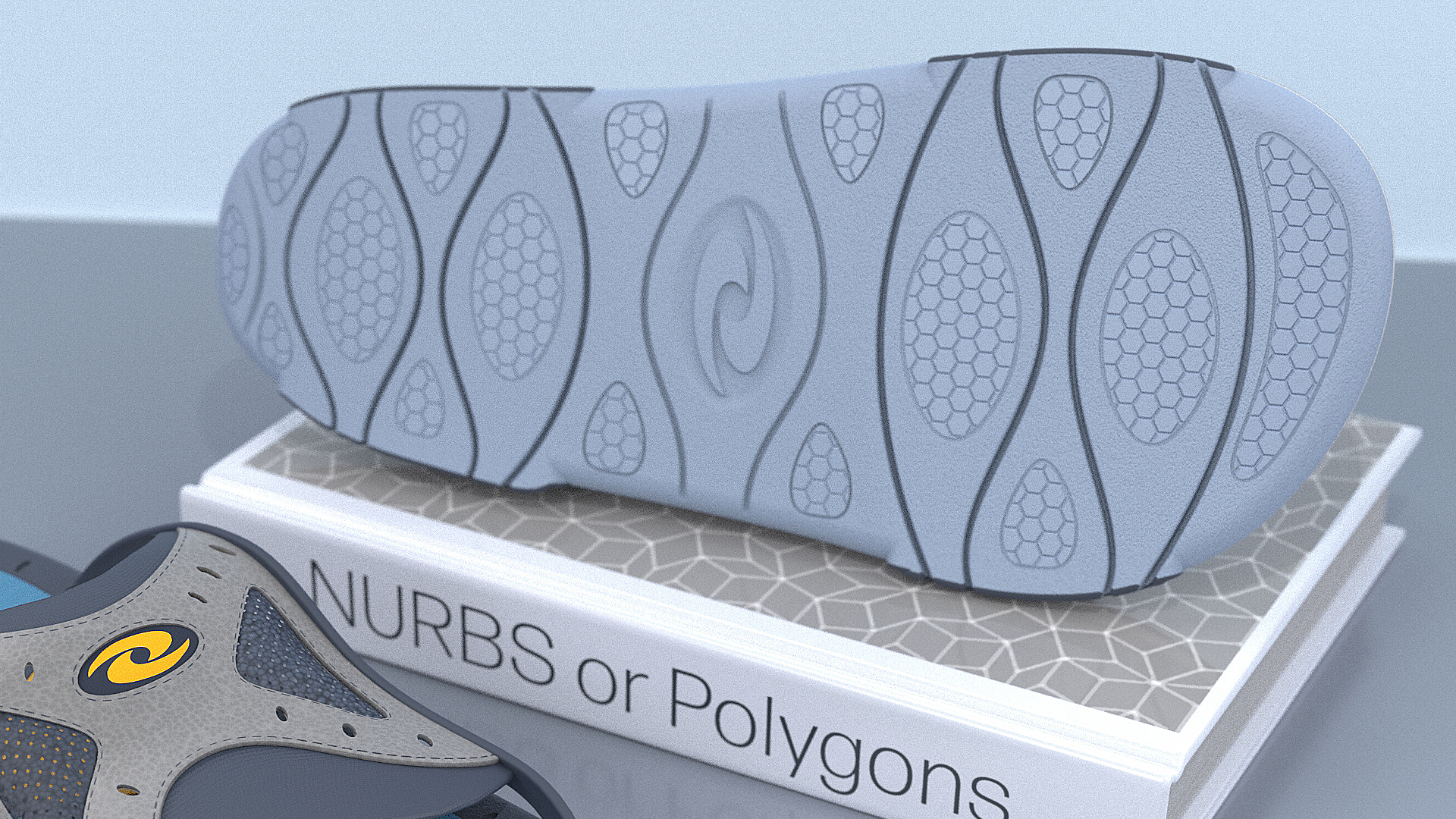
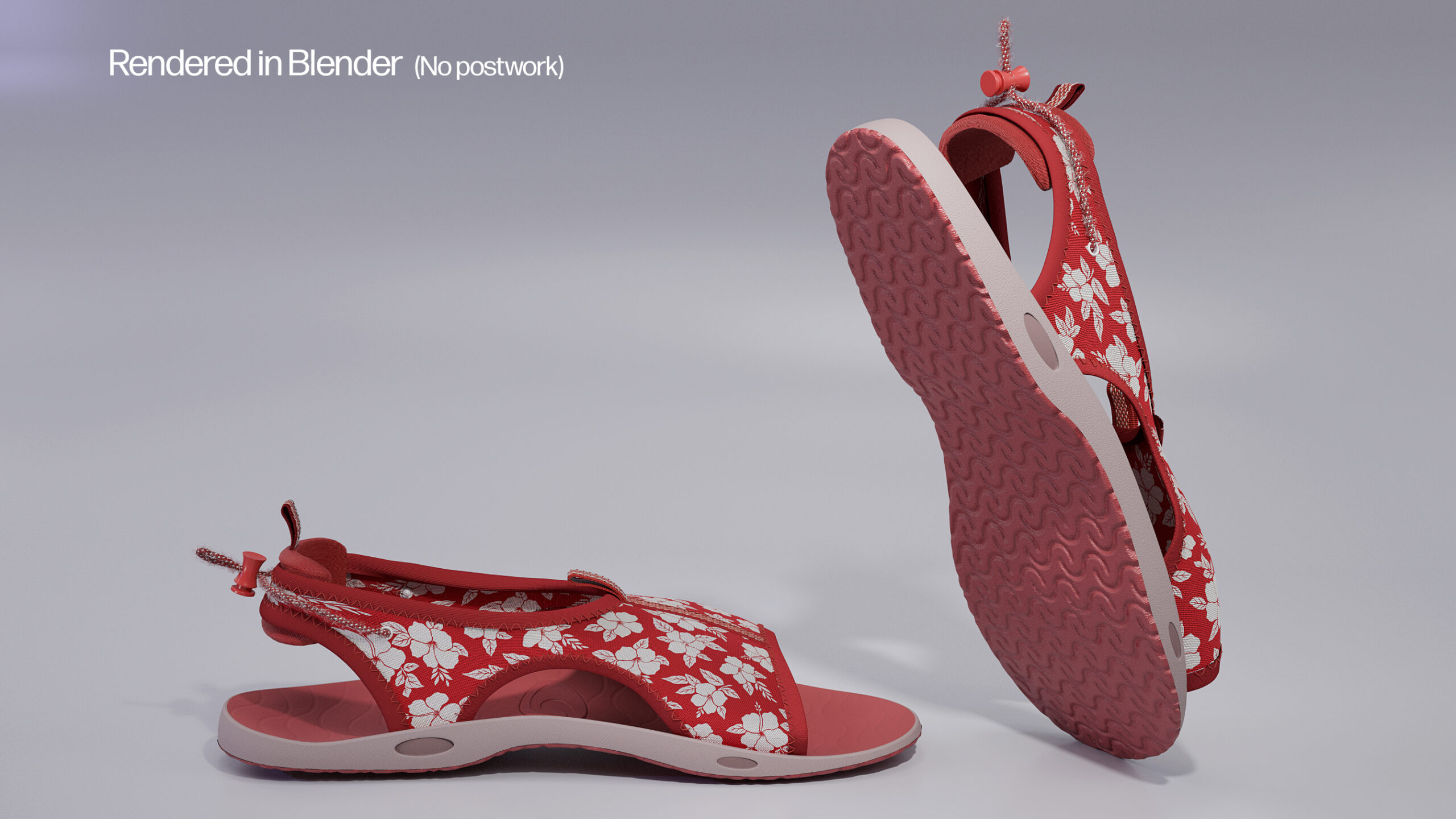
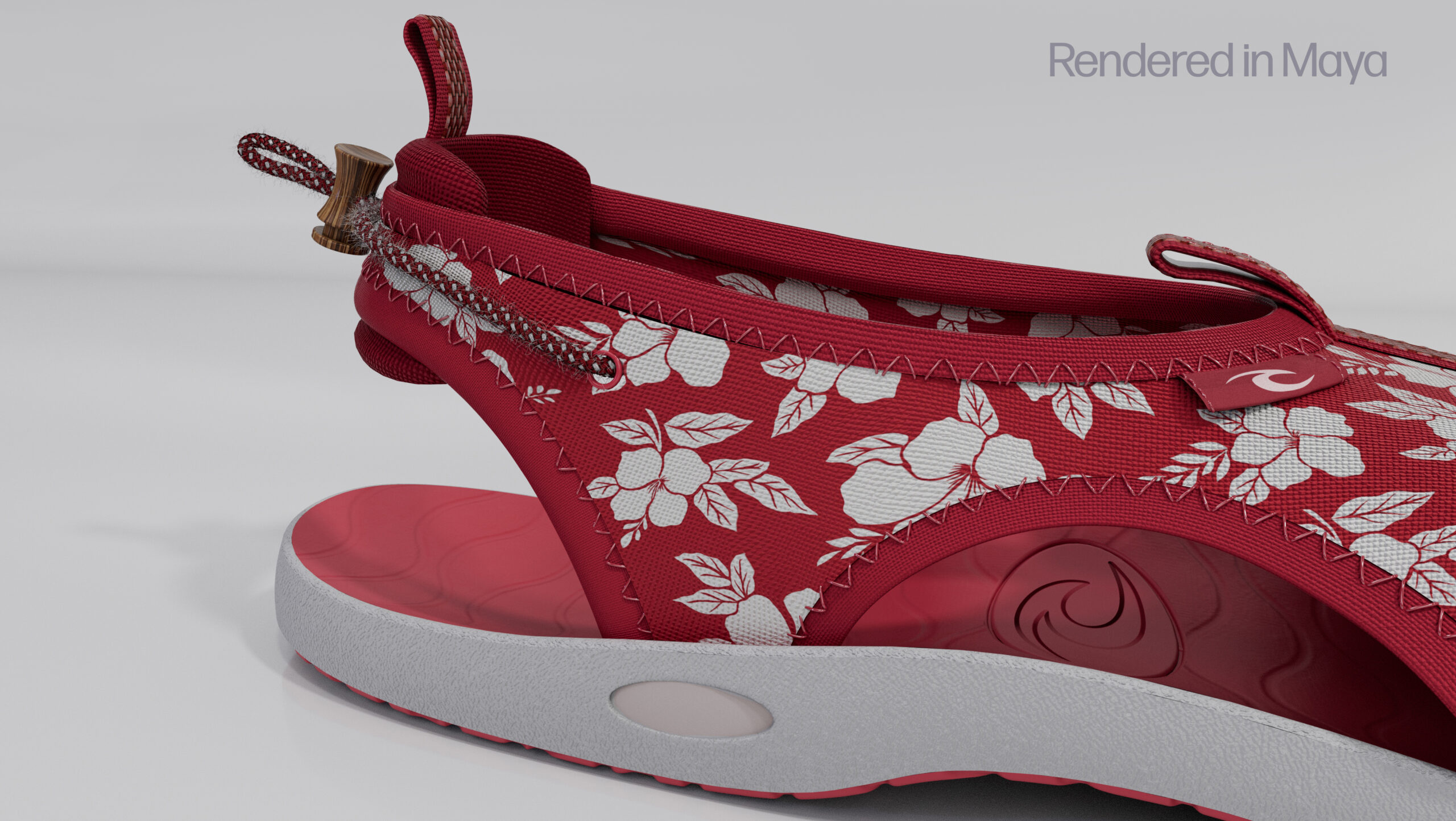
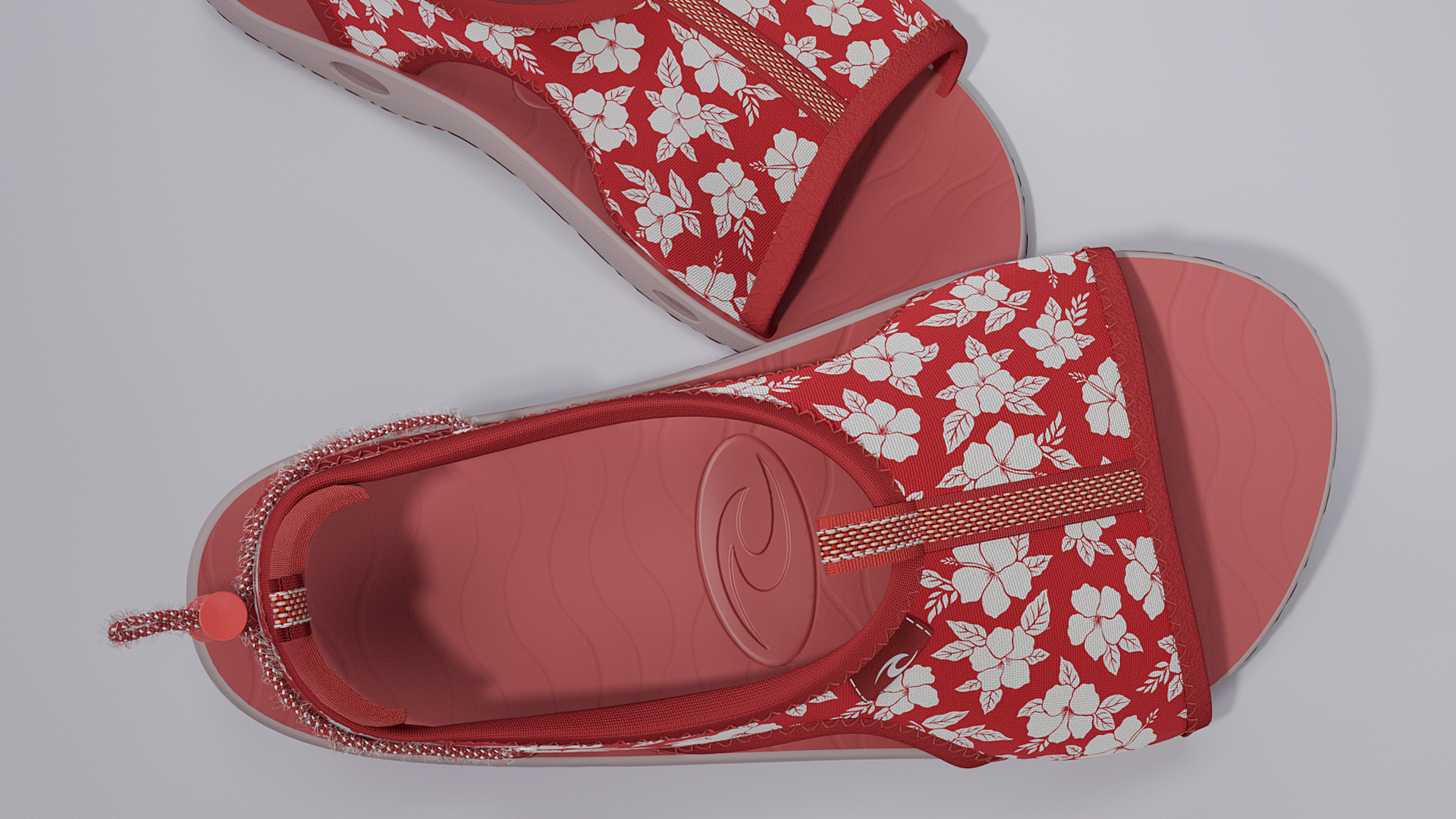
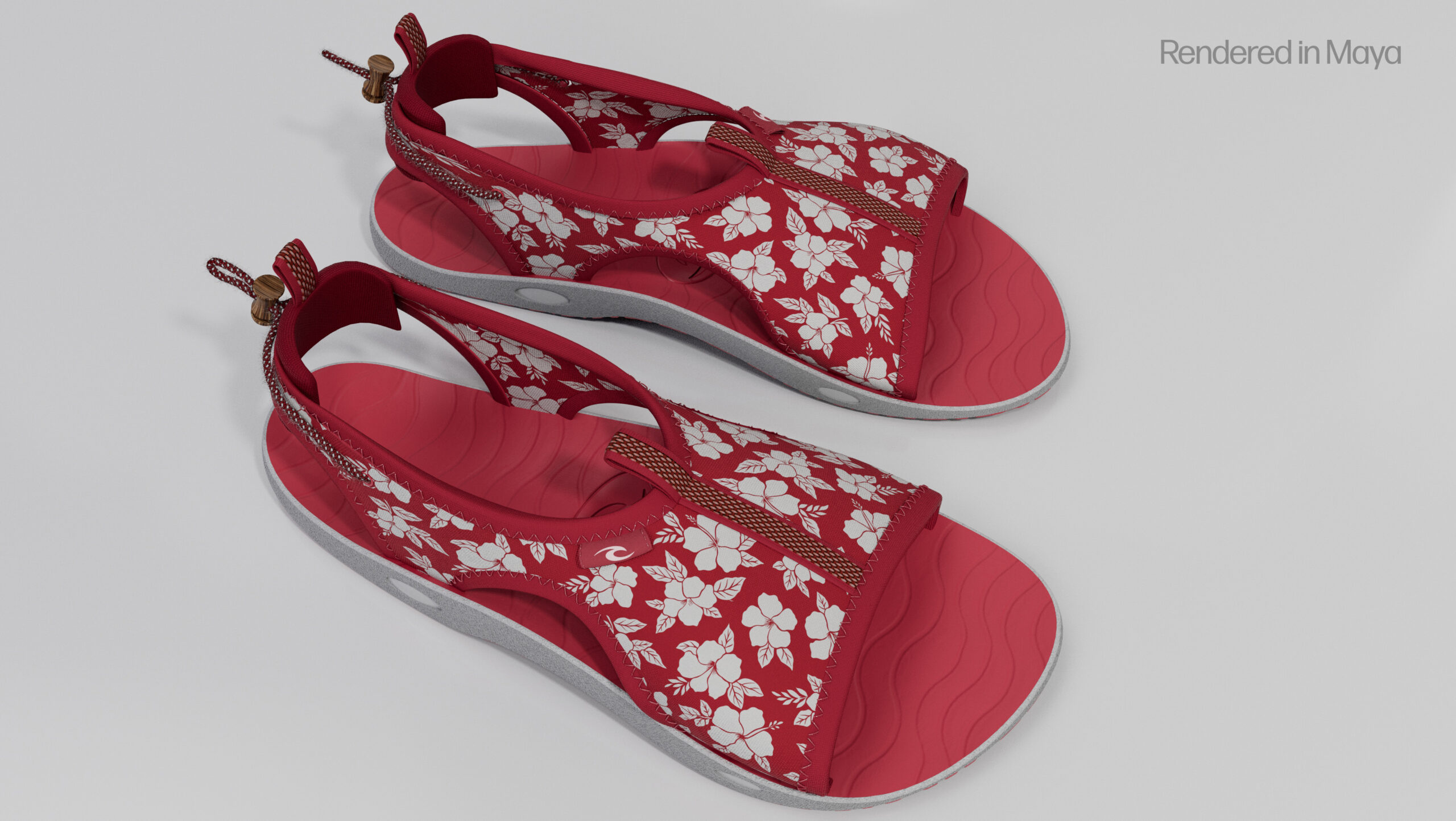
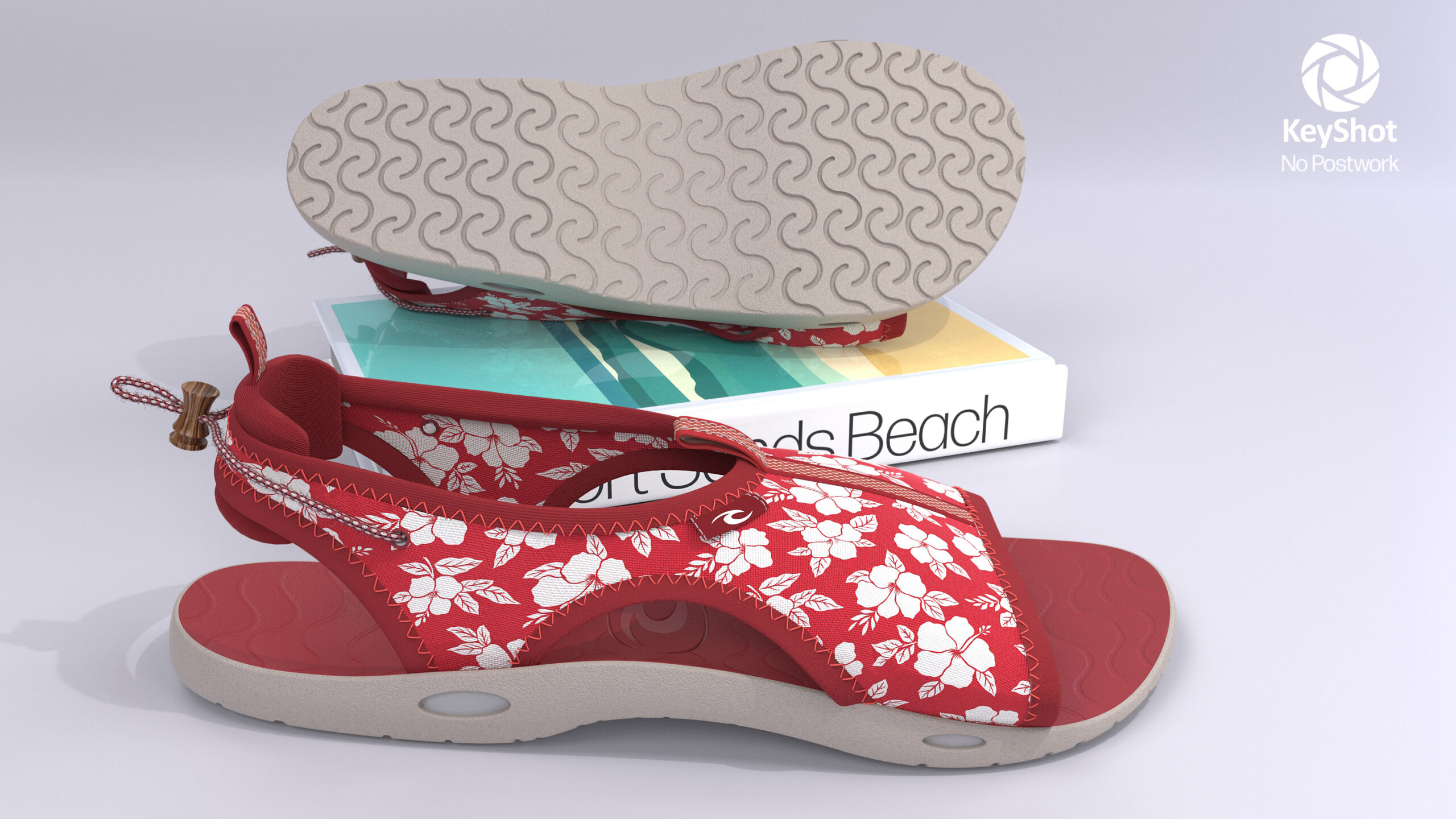
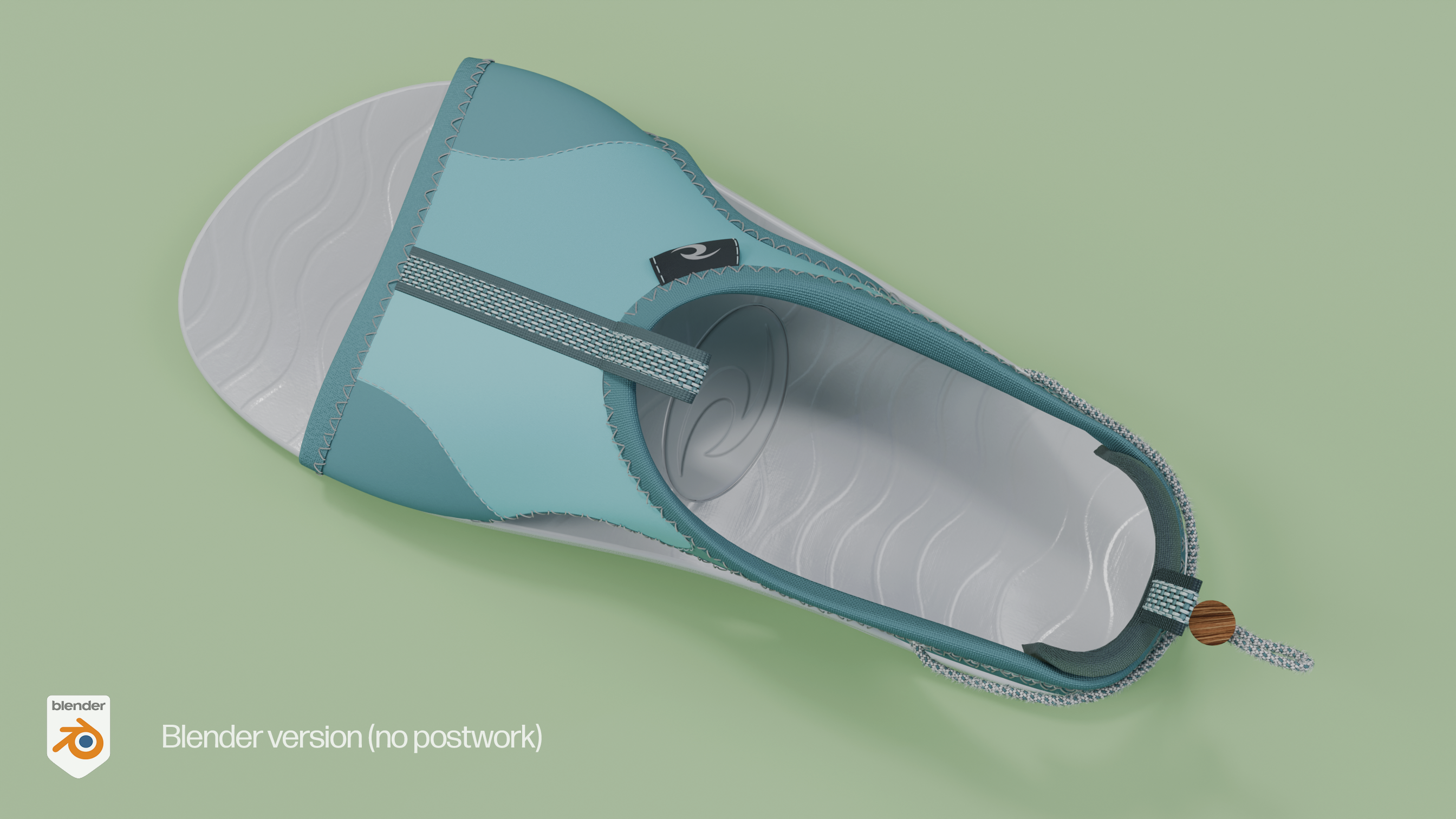
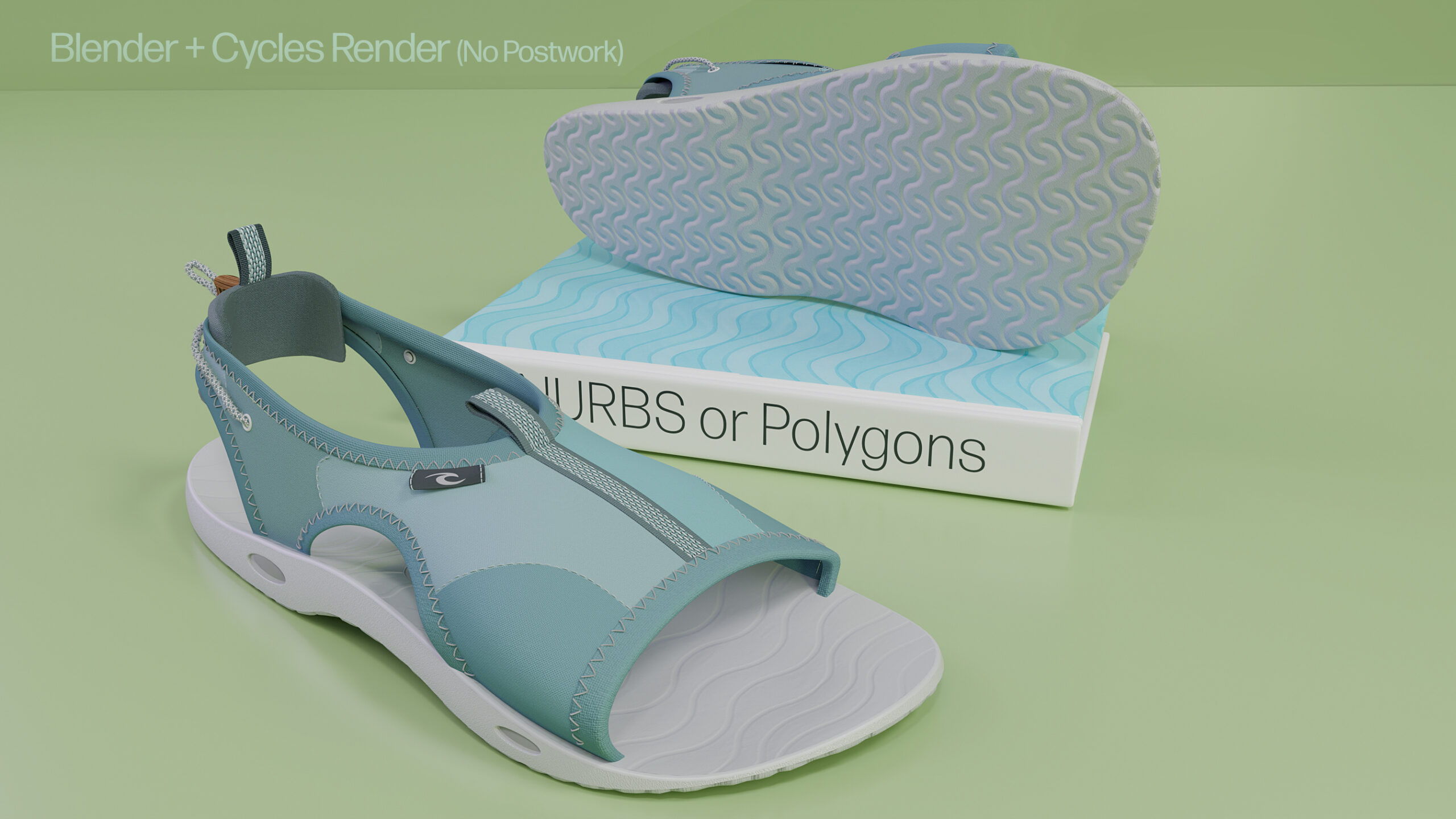
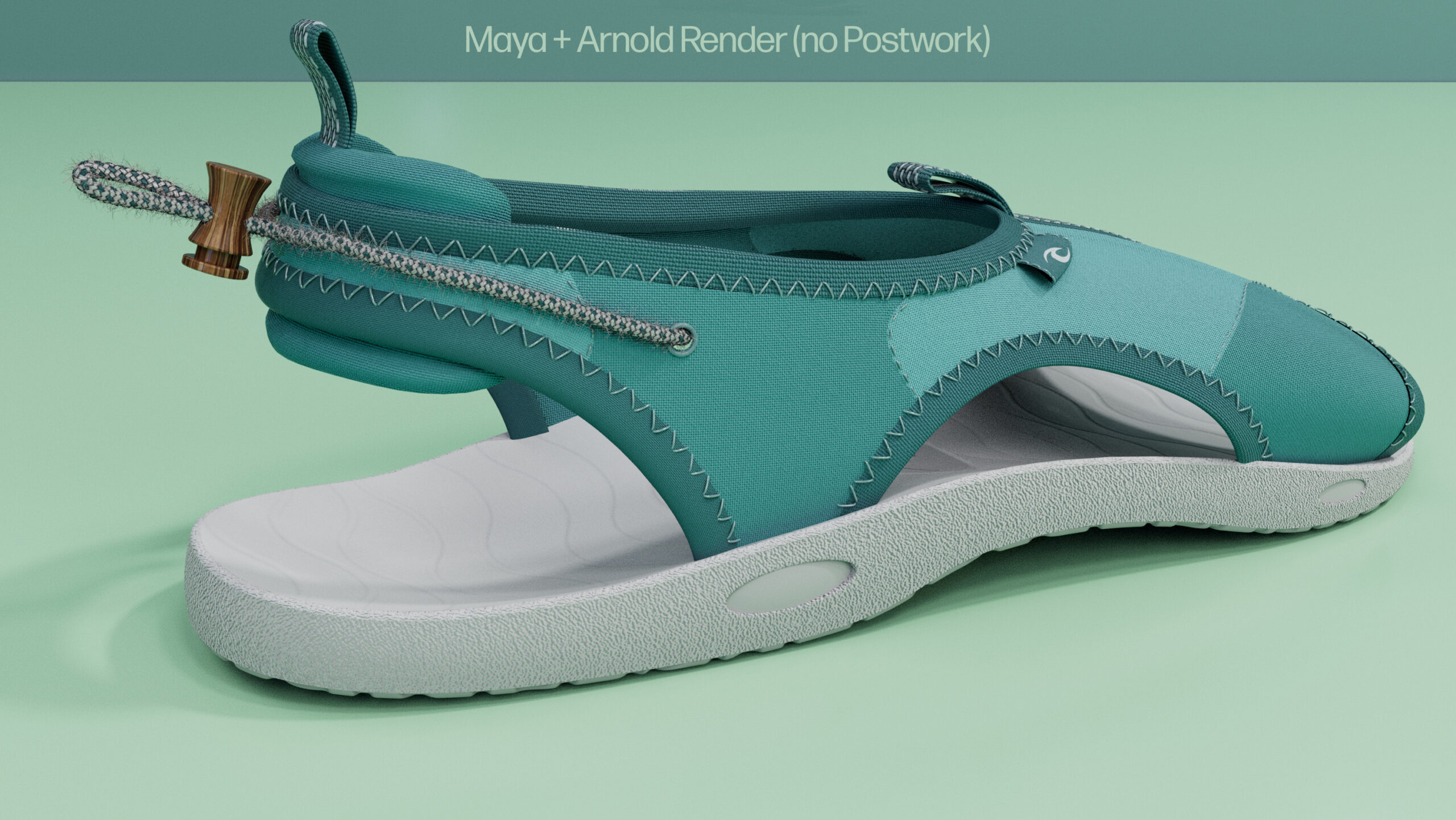
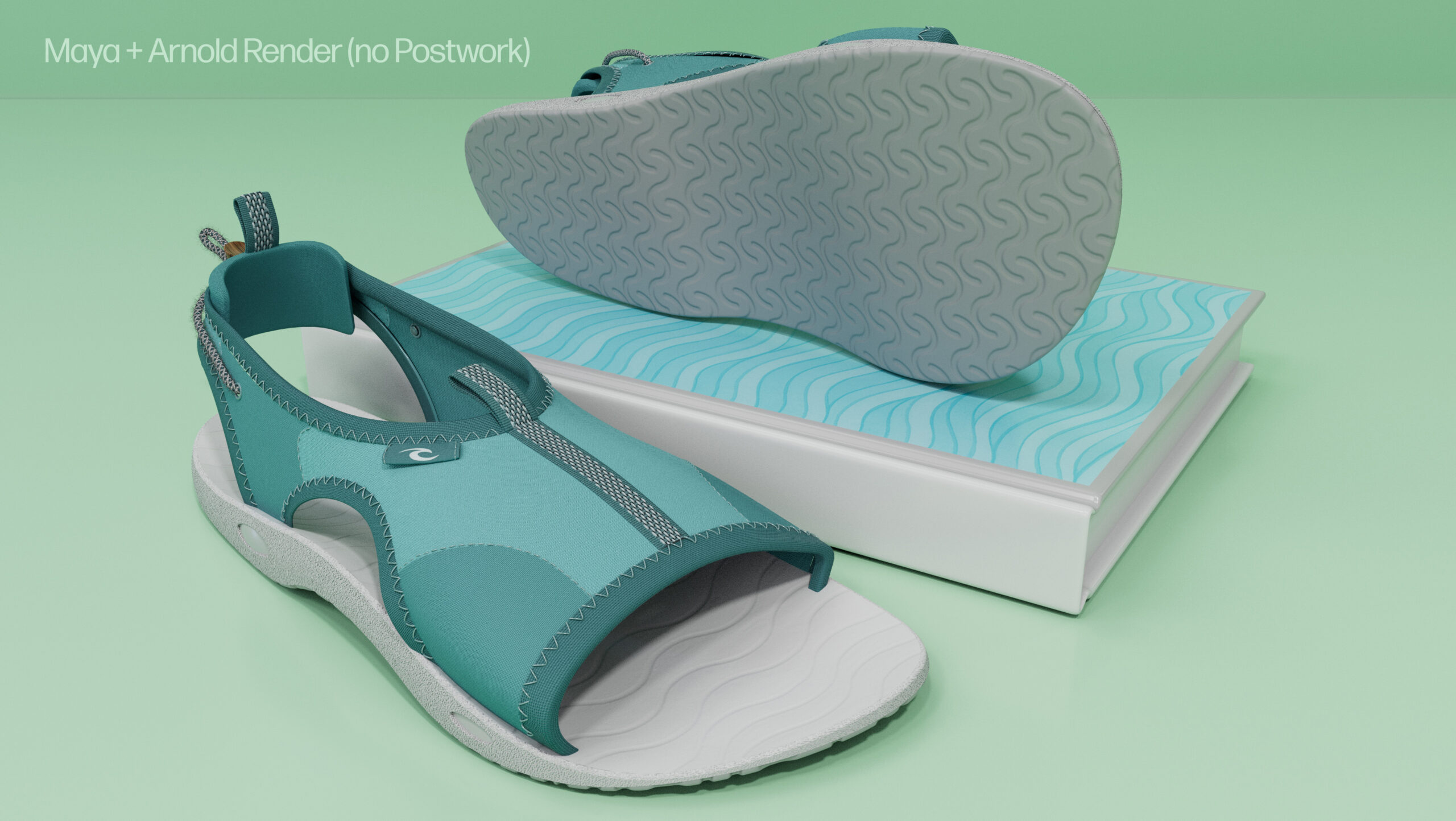
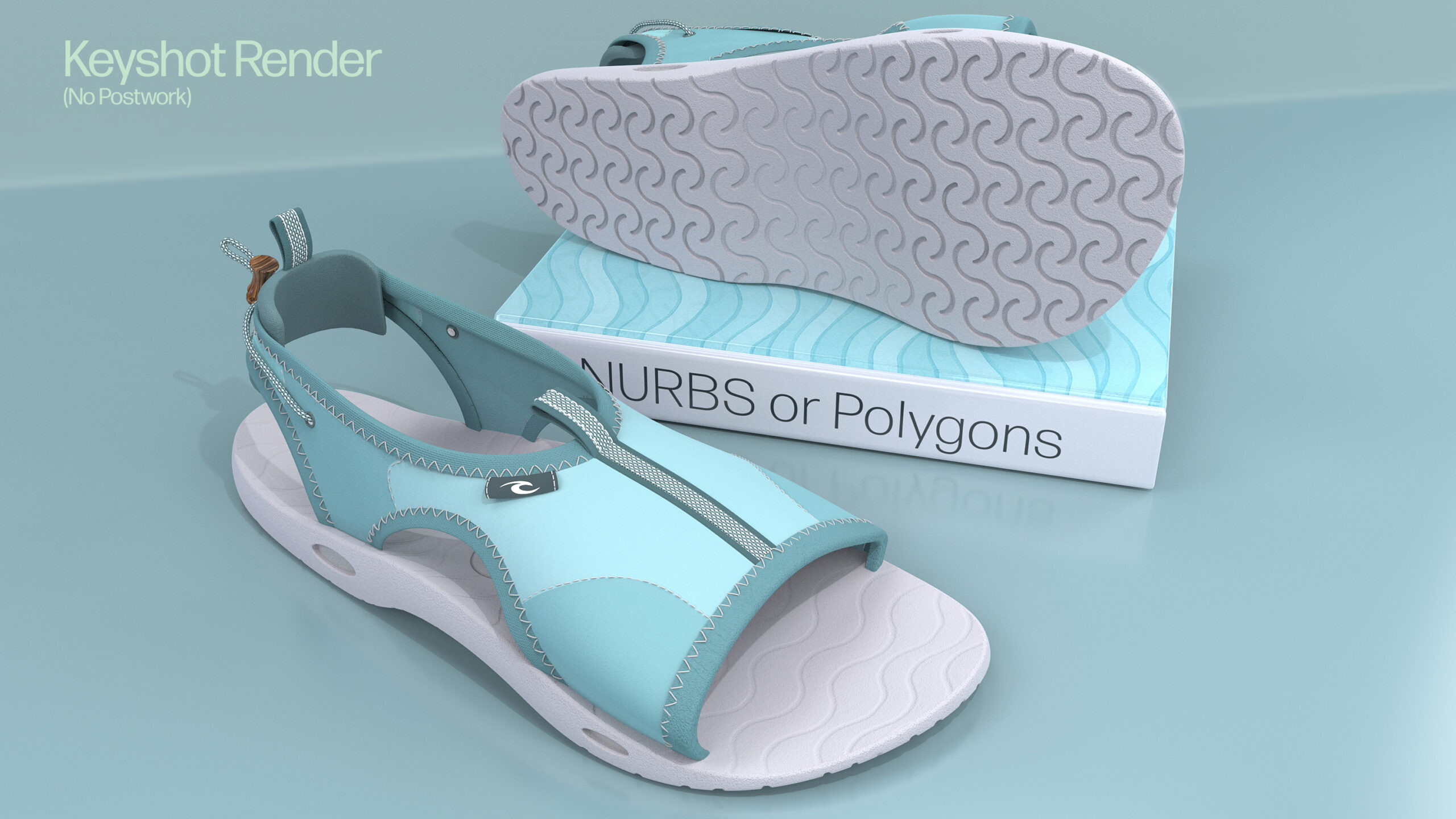
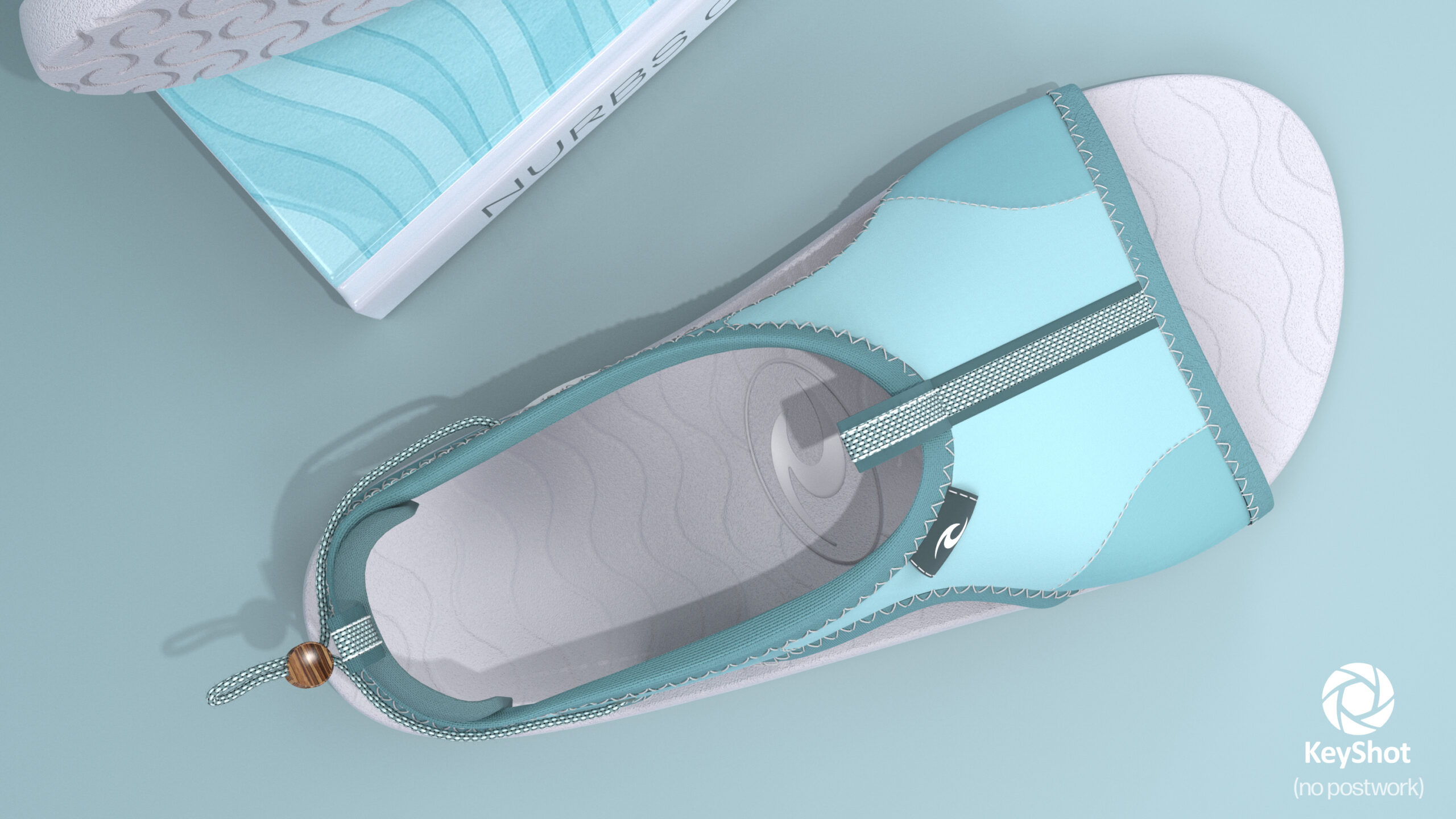
Creating Beach Sandals and Slide designs with Blender, Maya, Keyshot, and other software… Immediately below are a few different designs I have created. Below are technical details for optimizing modelling and rendering in Maya, Blender, and Keyshot… Which program is best? They all are all good and have their strengths and weaknesses see details below.

Technical Details

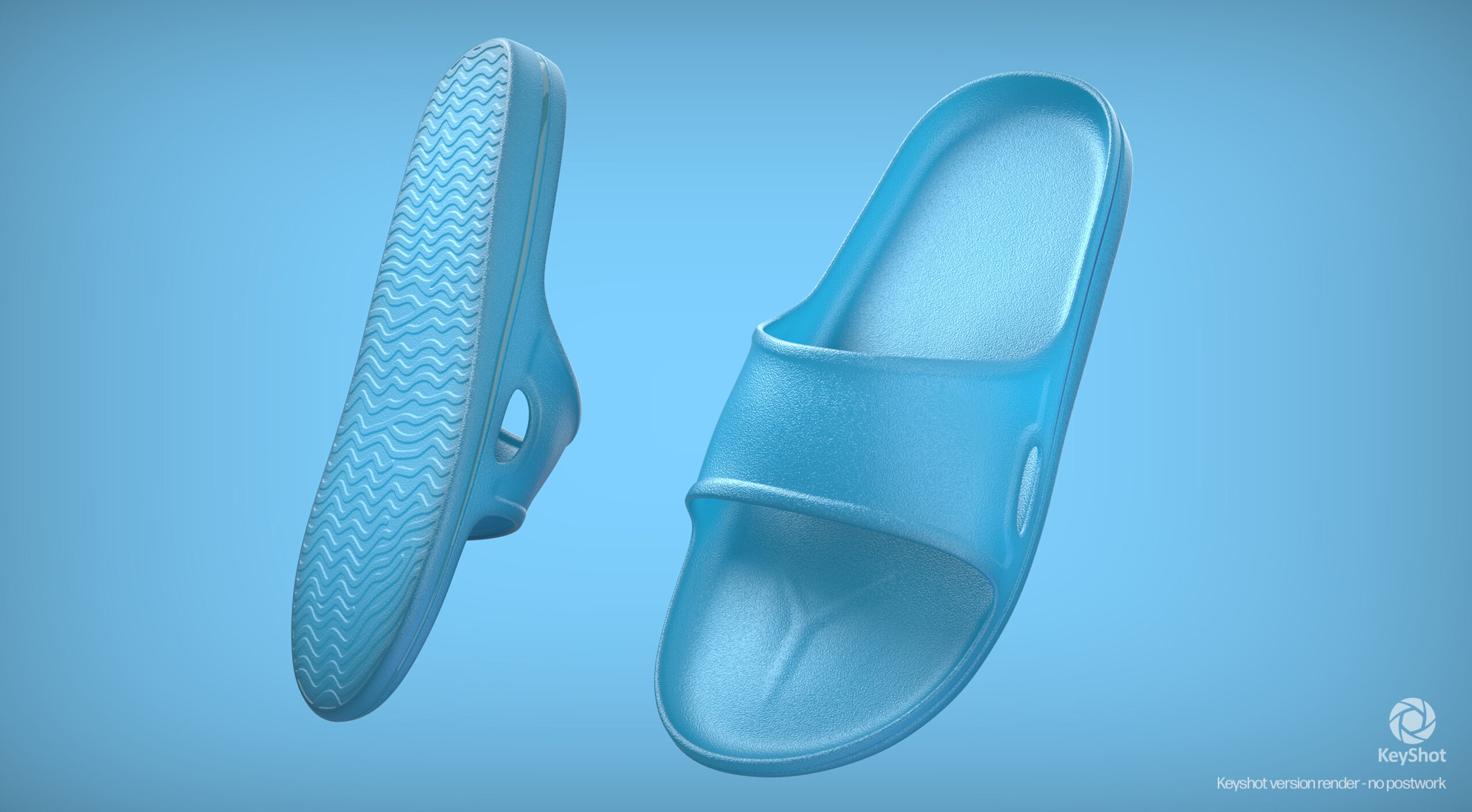
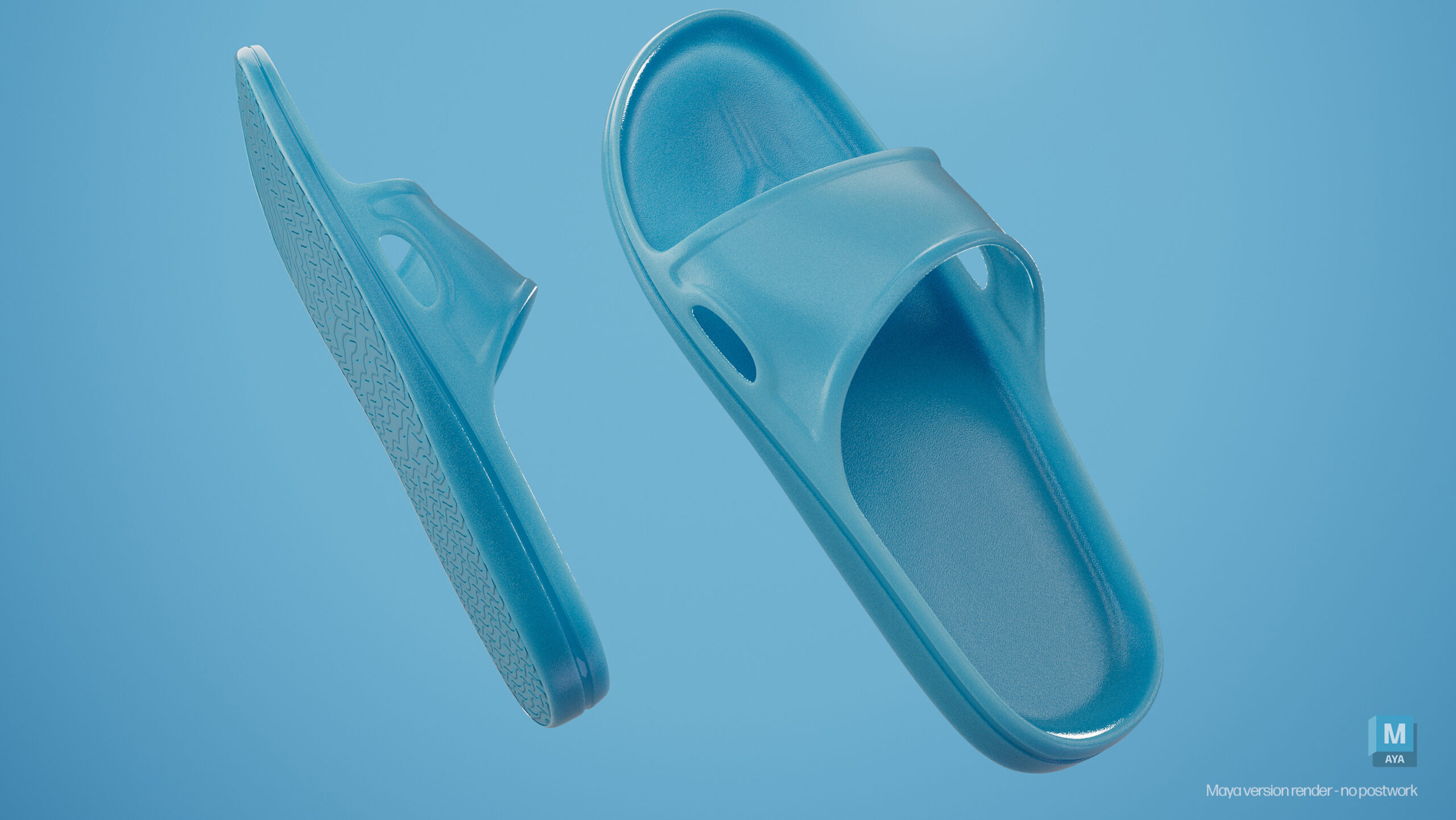
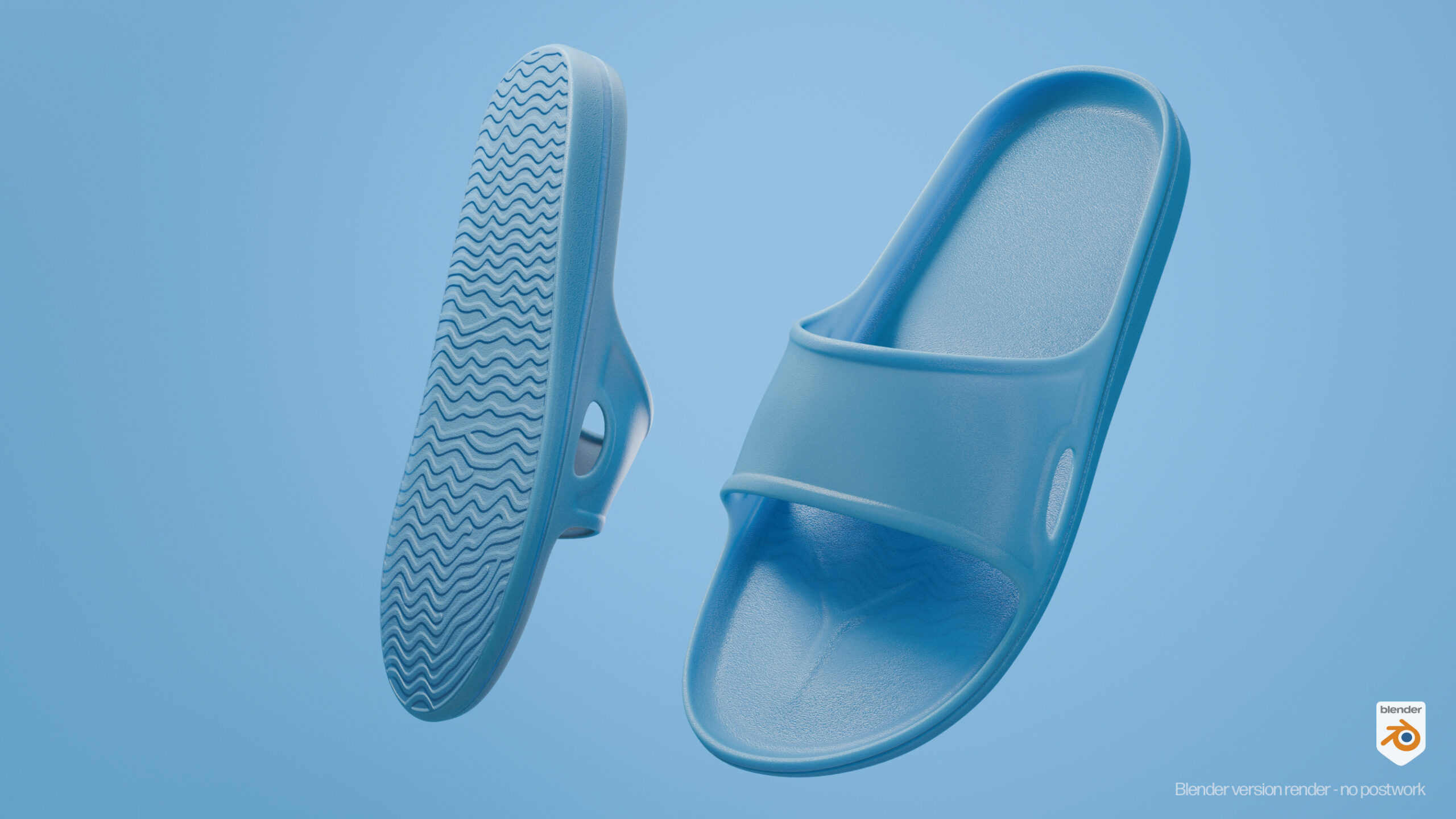
As you can see below, nice renderings can be achieved with all three rendering packages, often the last version I render is best and I have to tweak the first program’s renders. Keyshot is the easiest to use for intermediate users, it is mainly a render-only package, but you can do some UV editing for positioning UV textures. Keyshot works great for product visualization.Blender has a great UI and is very cohesive. You can do almost everything in Blender if needed. Maya used to be the Gold Standard 3D package and after loosing ground from adding diverse rendering and effect packages in the early 2000s (and being unstable – crashes) it has improved dramatically again since about 2022. Maya is probably the top Studio package for game dev, animation, and special effects.
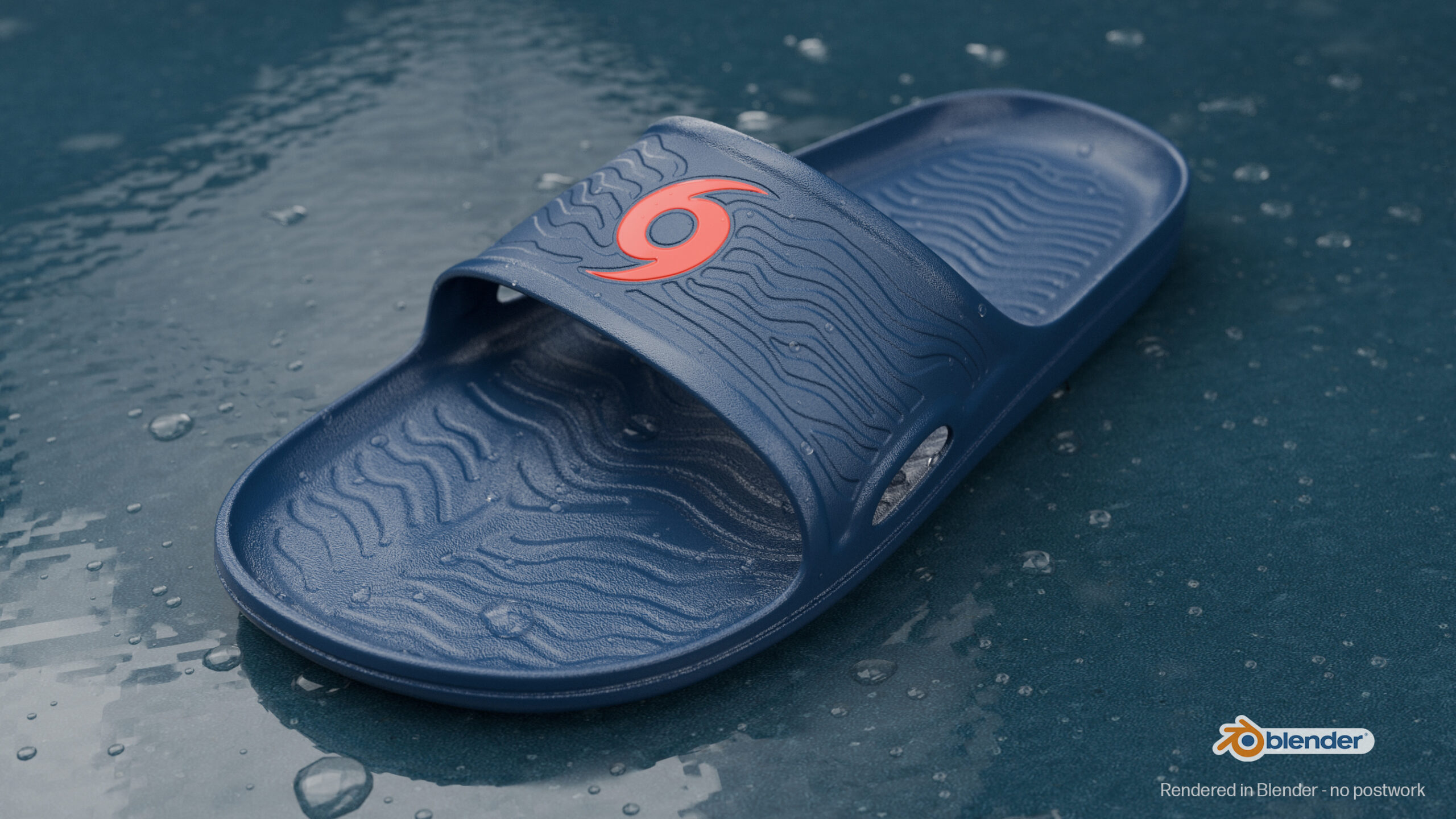
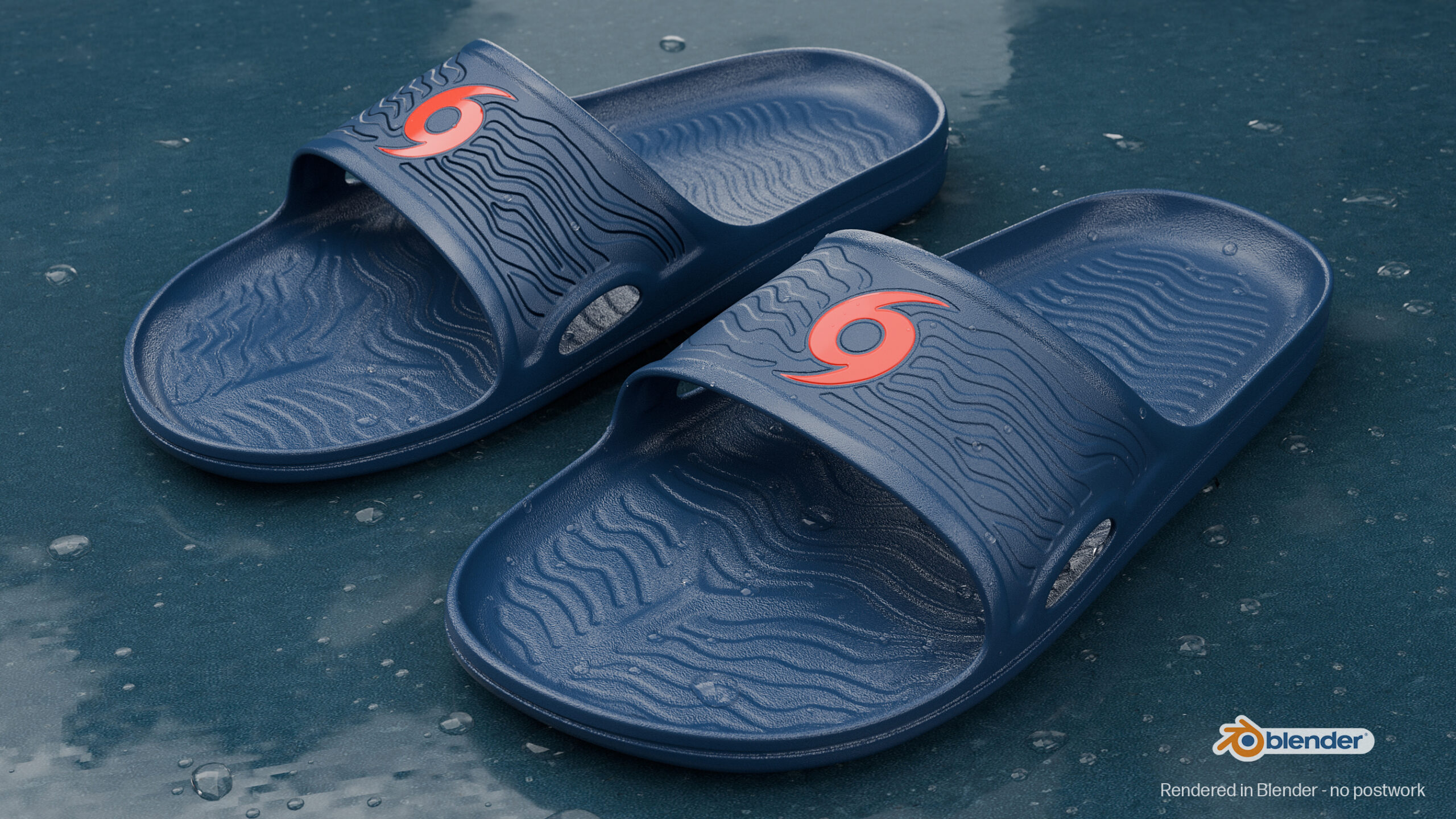
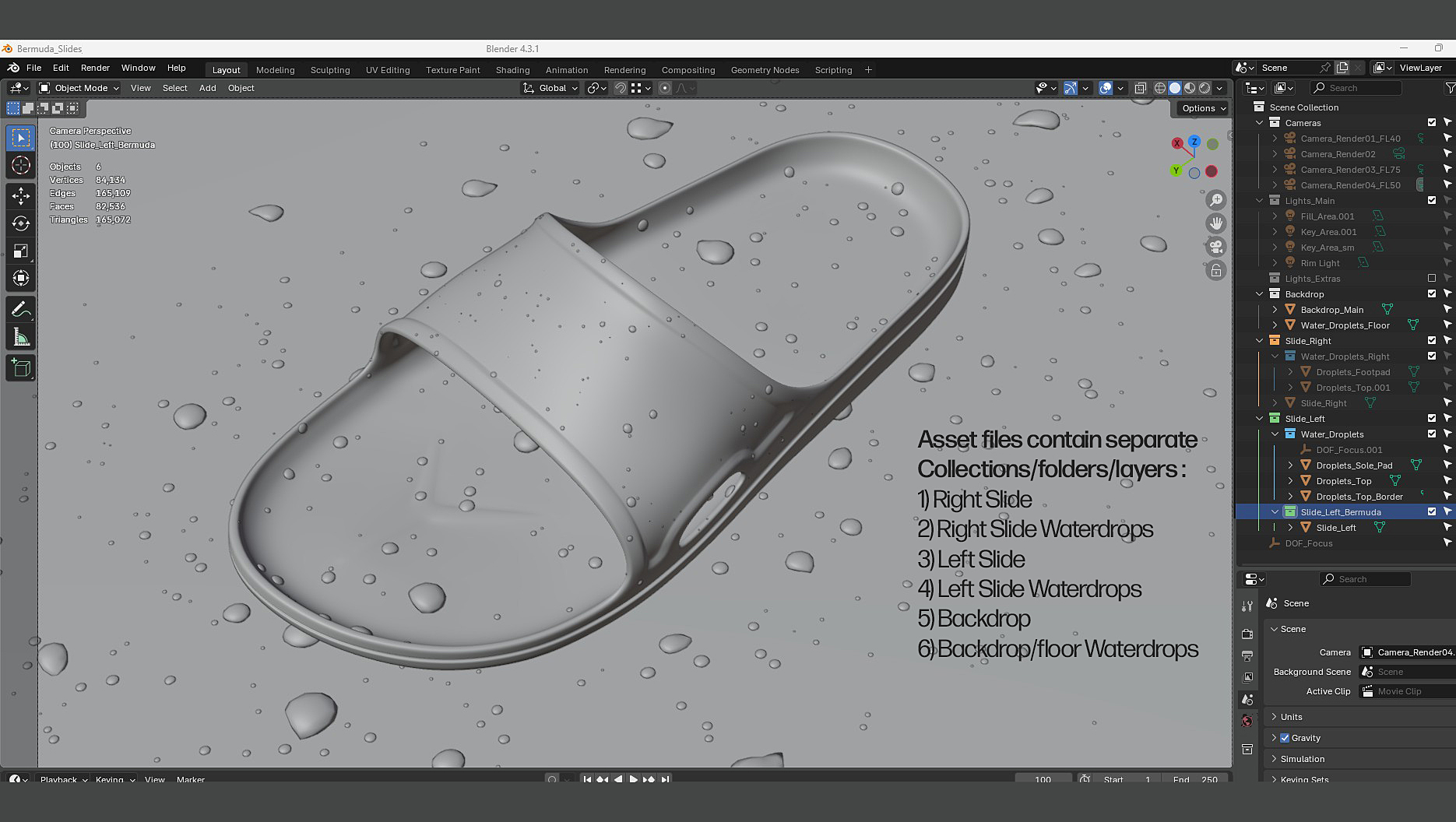
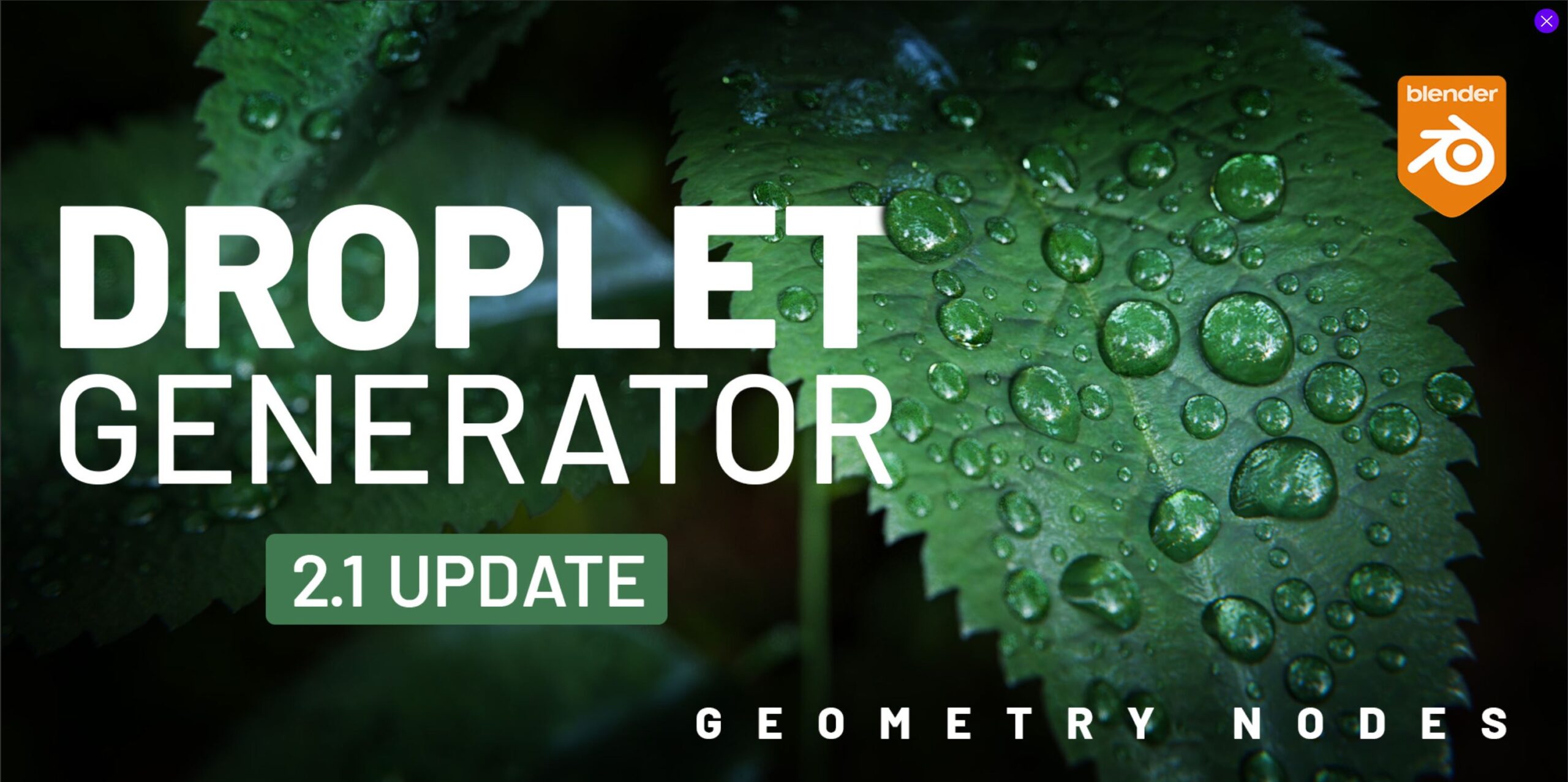
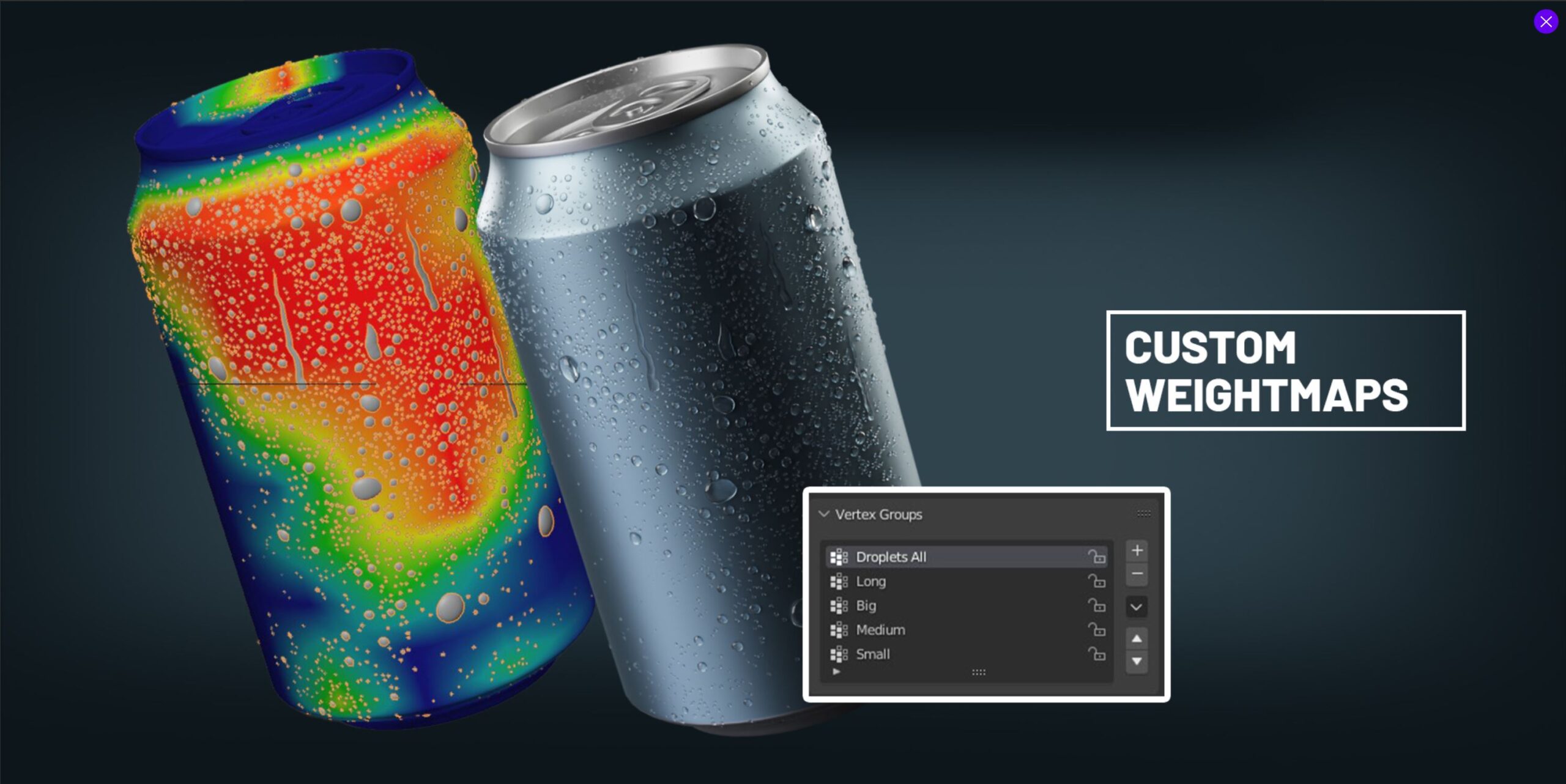
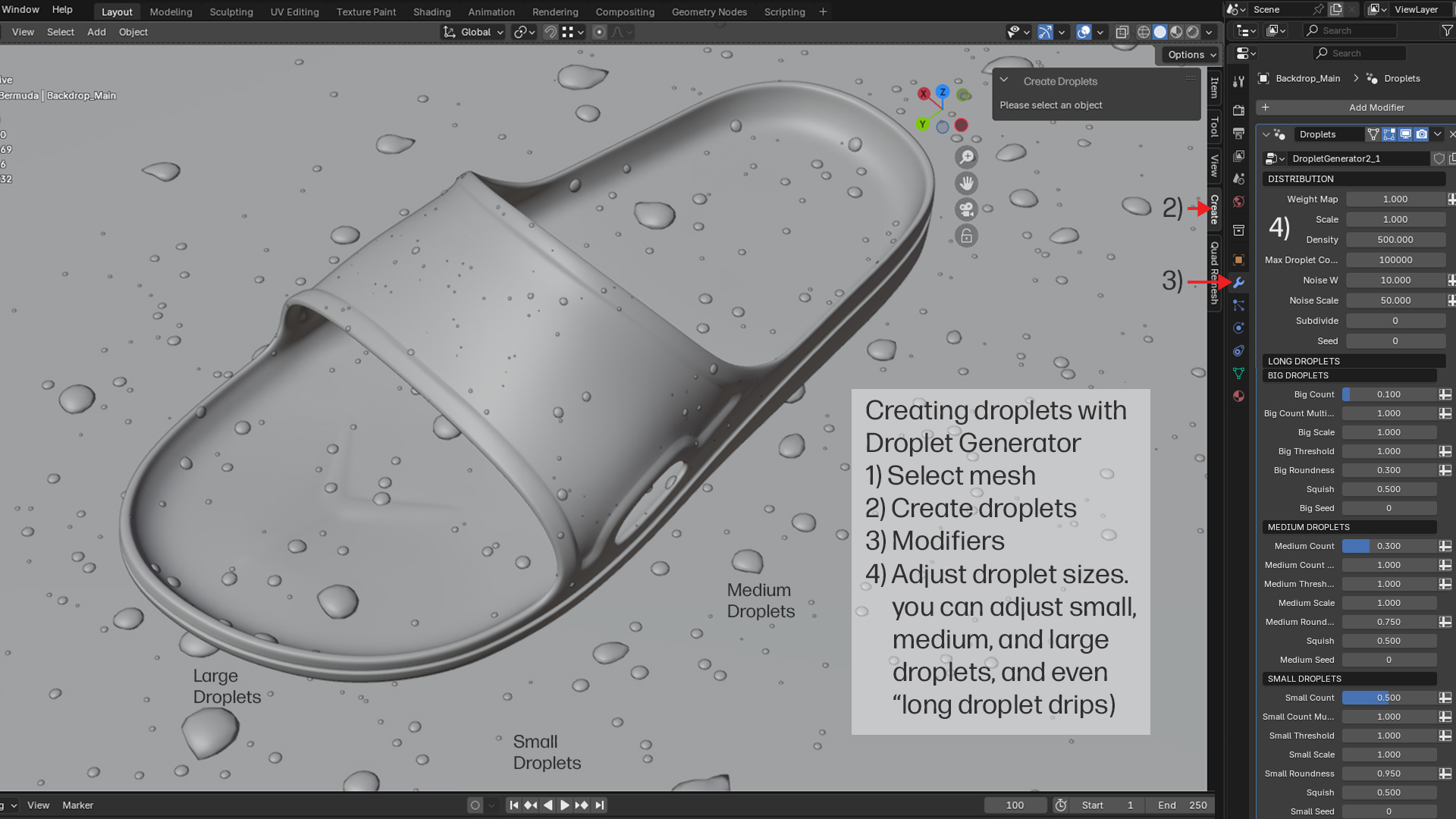
I used a free Blender plug-in to create the water droplets. You can create three non-overlapping size ranges and even drips. You can paint a weightmap for each if you want the drops clustered in a certain area. Red color for higher concentration and Blue for no droplets… I used this on the floor and painted a red-yellow color around the sandals, left the rest of the floor blue. You can keep or delete the original mesh the droplets sit on… Don’t forget to Apply the Droplets Generator.
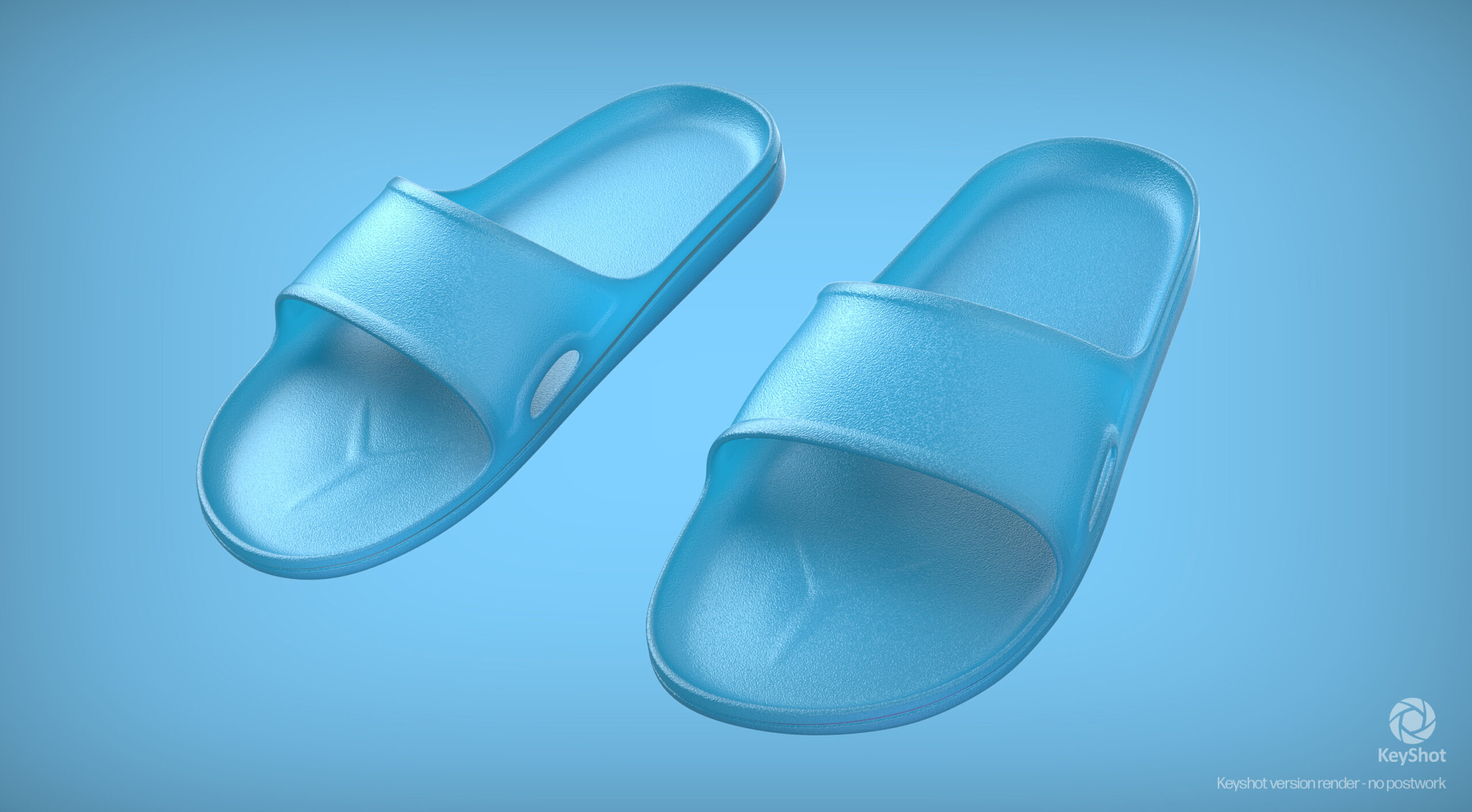
Creating an alternative clean, simple look with a subtle transparent plastic material…
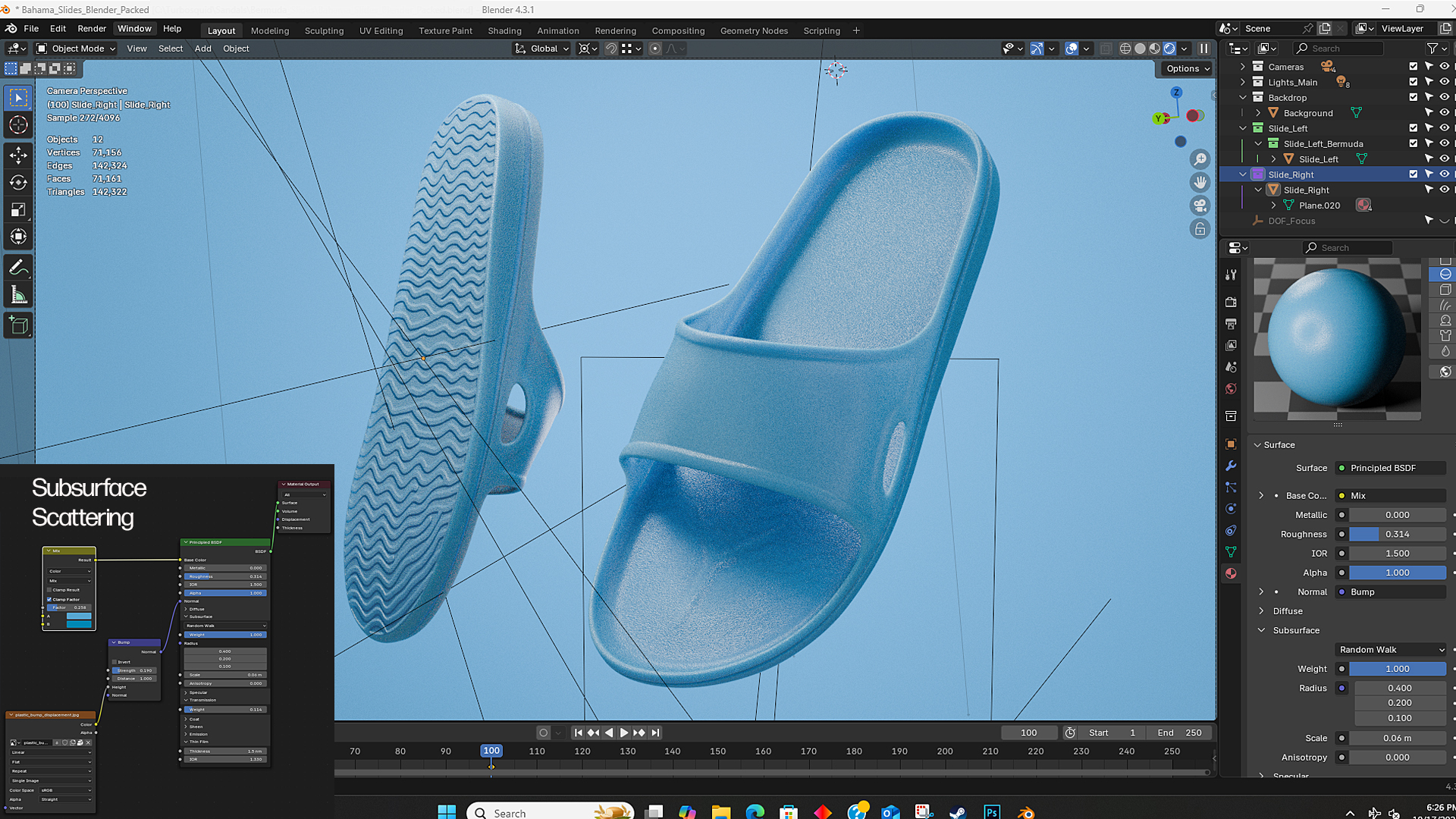
Making a translucent plastic in Blender with Subsurface Scattering. Used the “Randomwalk” method. Increase “SS Scale for larger objects.
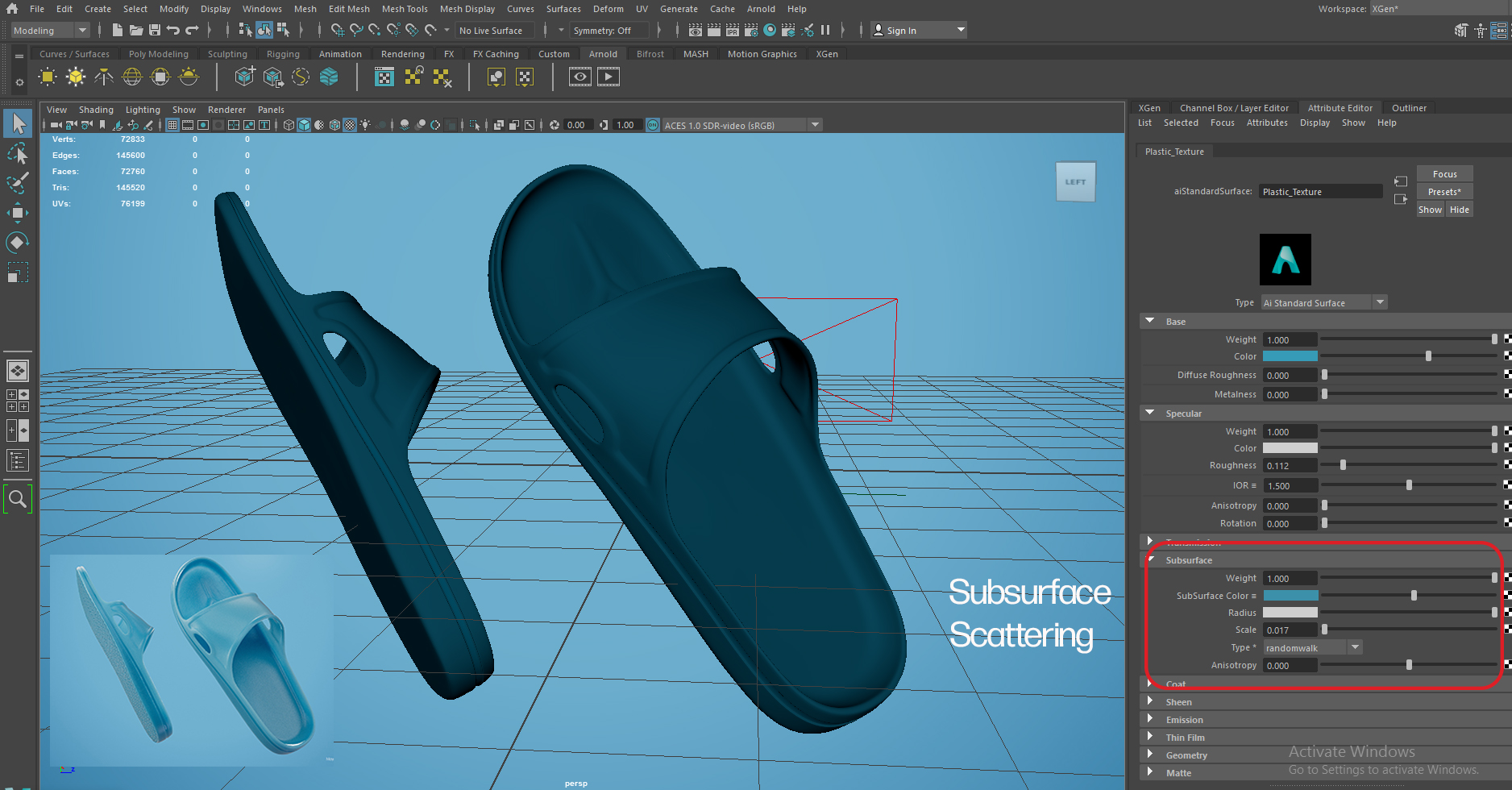
Making a translucent plastic in Maya with Subsurface Scattering. Used the “Randomwalk” method.
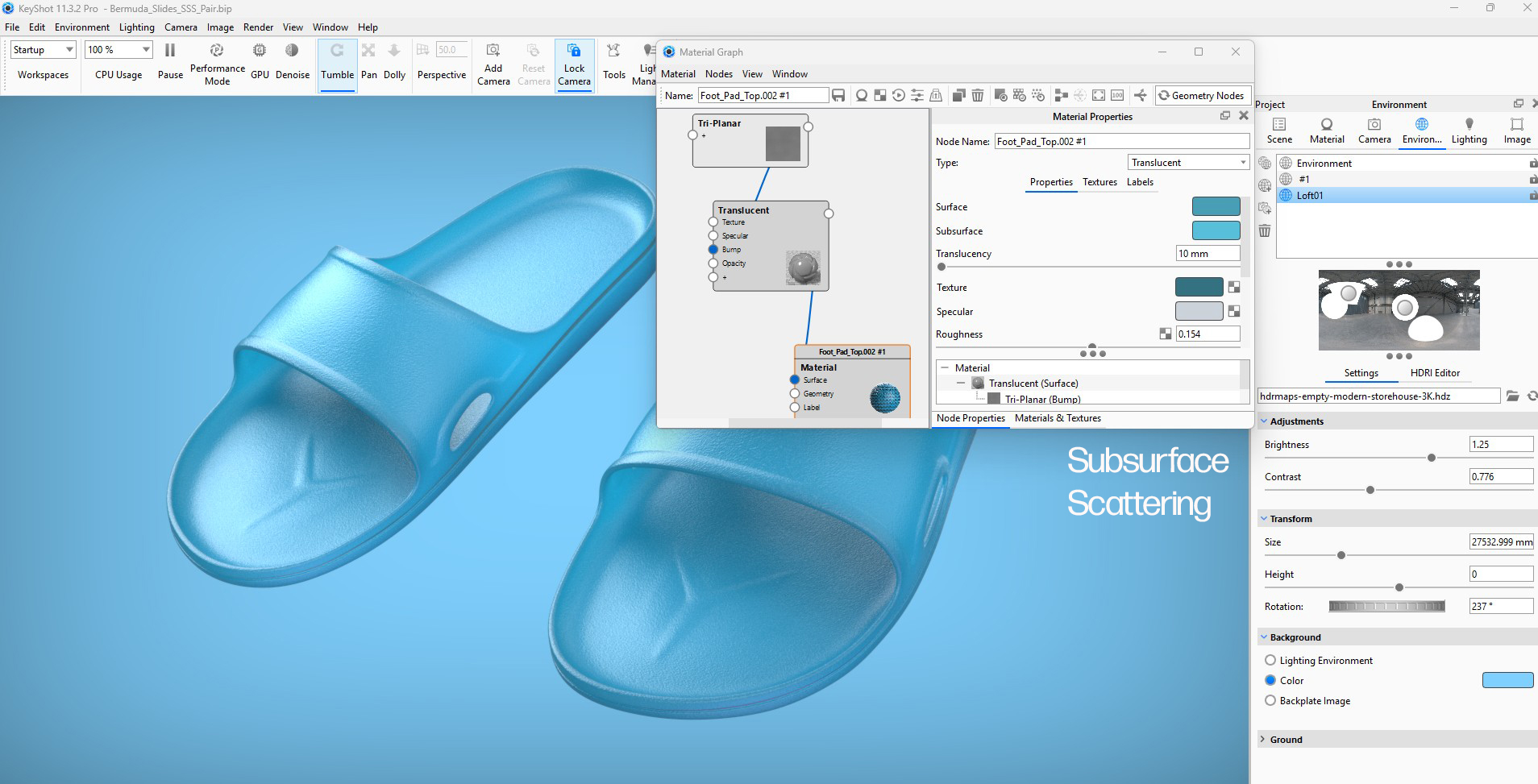
Making a translucent plastic in Keyshot with Subsurface Scattering
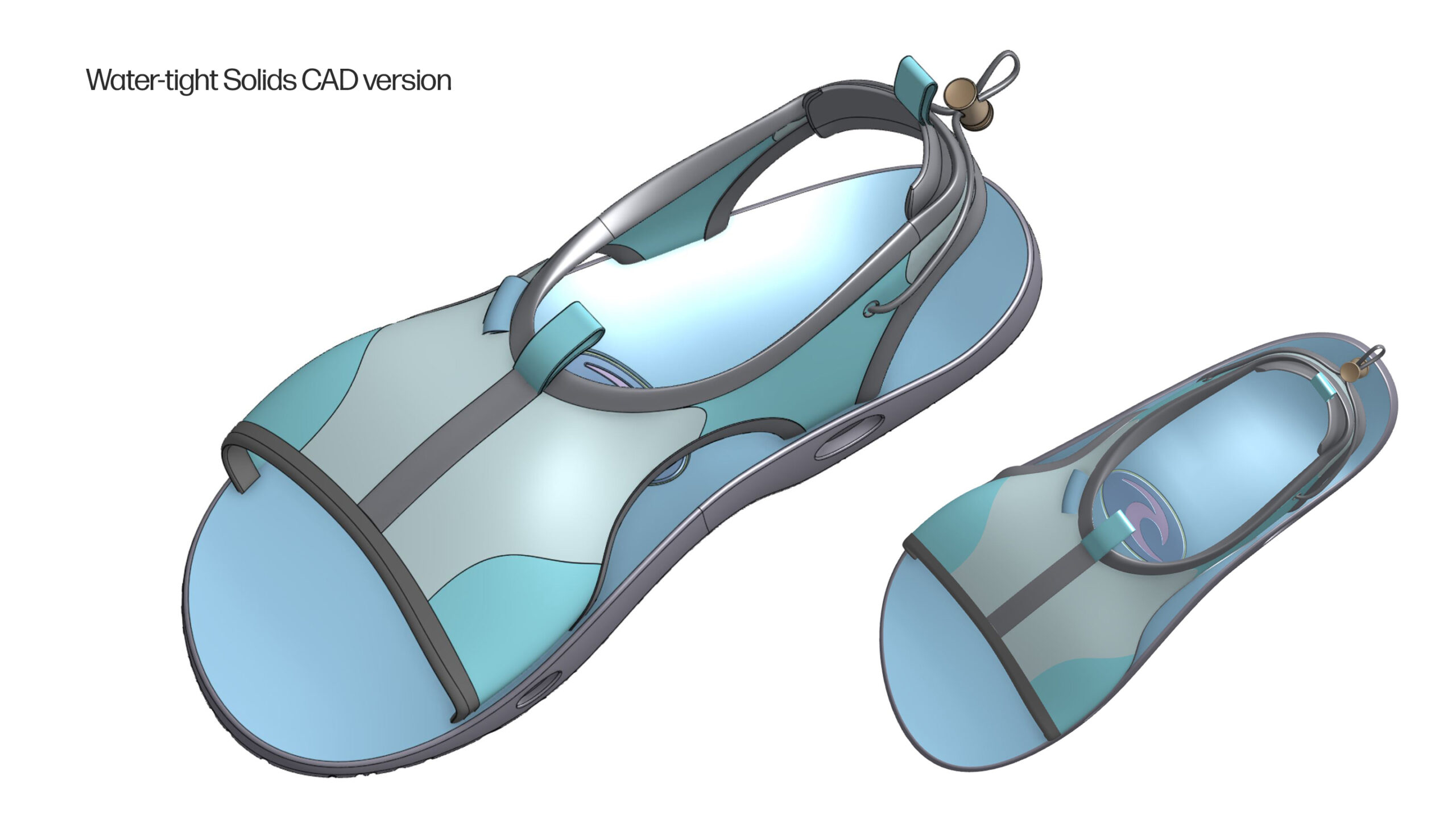
Meka Slides in Surf Blue. I have Maya and Blender renders on Turbosquid and CGTrader. Created as both a polygonal file and a water-tight Alias or SolidWorks parametric CAD file.
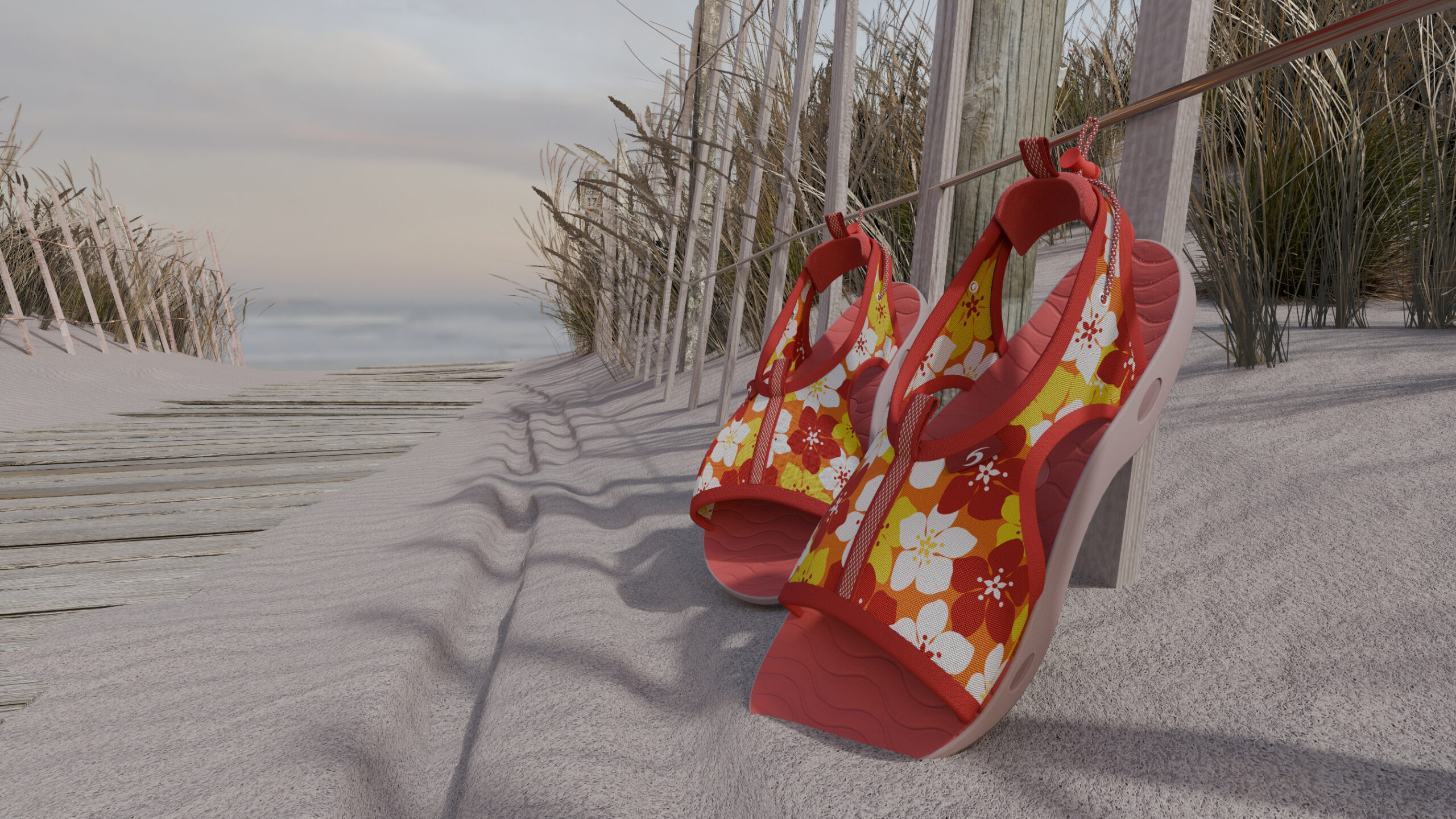
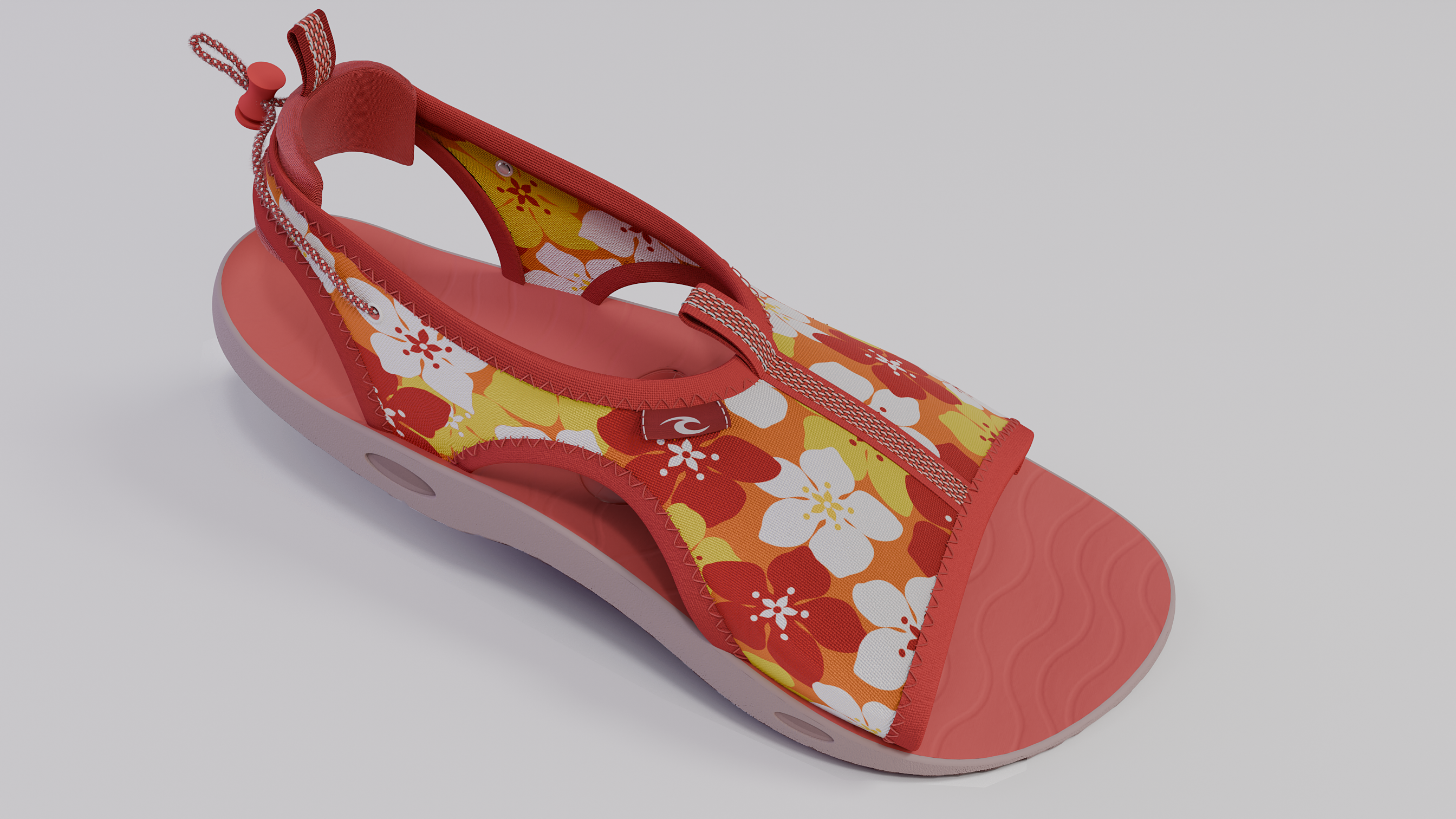
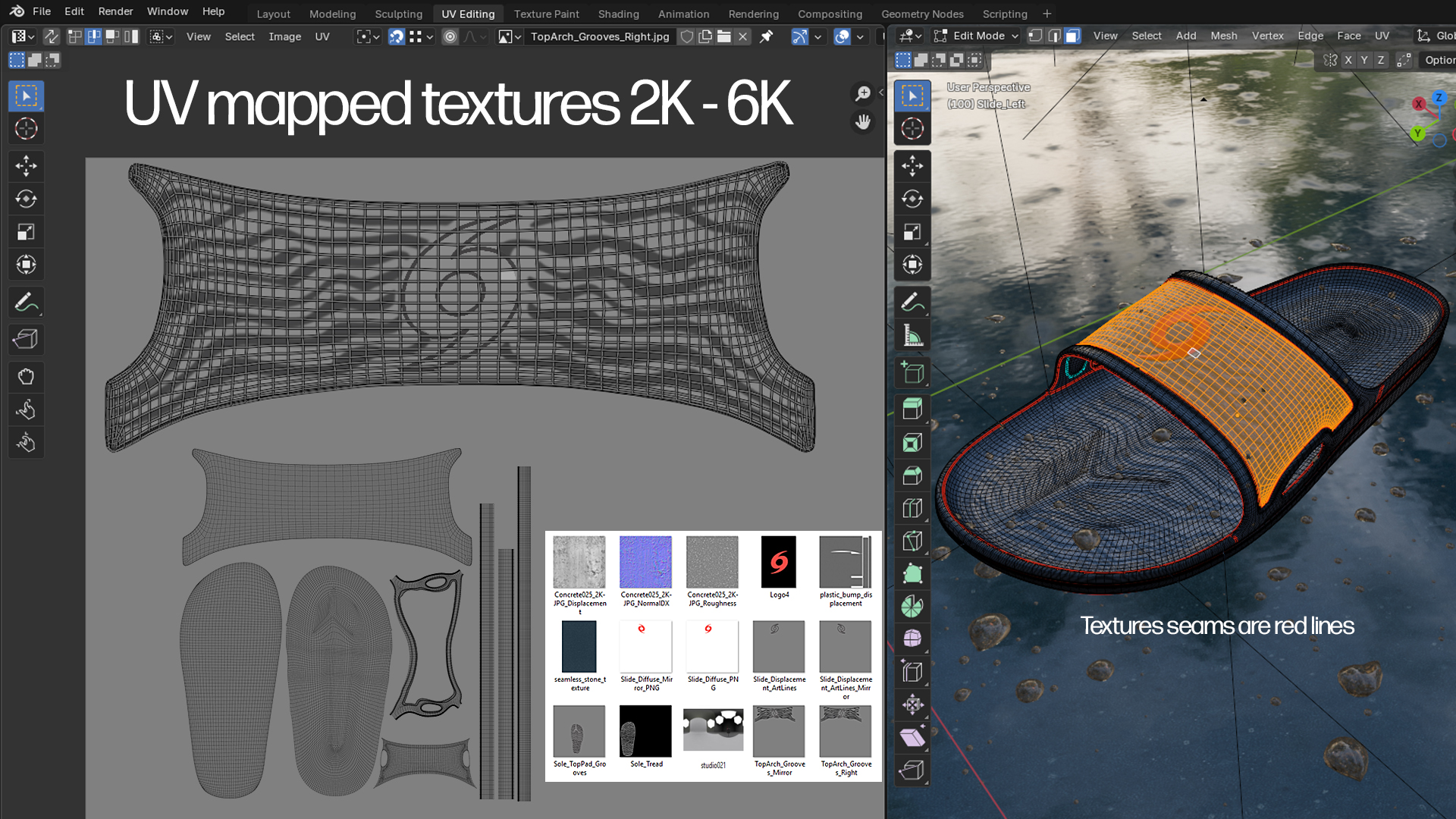
This version is has a simple Tropical Hibiscus seamless texture. I adjusted the UV map to minimize stretching. Ai programs can now take a sketch or illustrator design and help make it seamless…
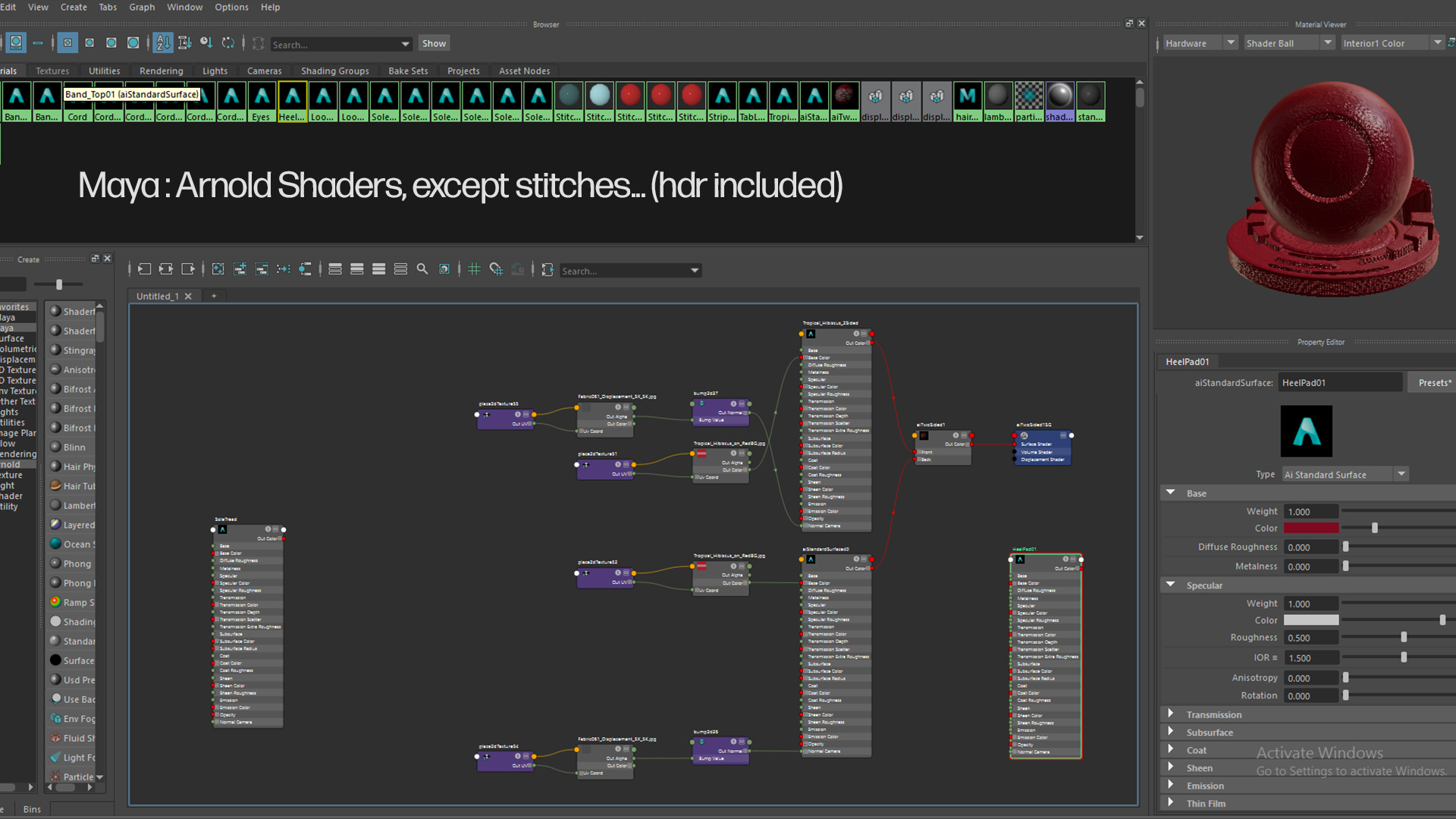
In Maya I used a Two-Sided shader-node for the fabric mesh since it did not have thickness, You can use the thicken modifier in blender to easily add thickness, but it adds file size if that is an issue.
Two-Sided Shader Node
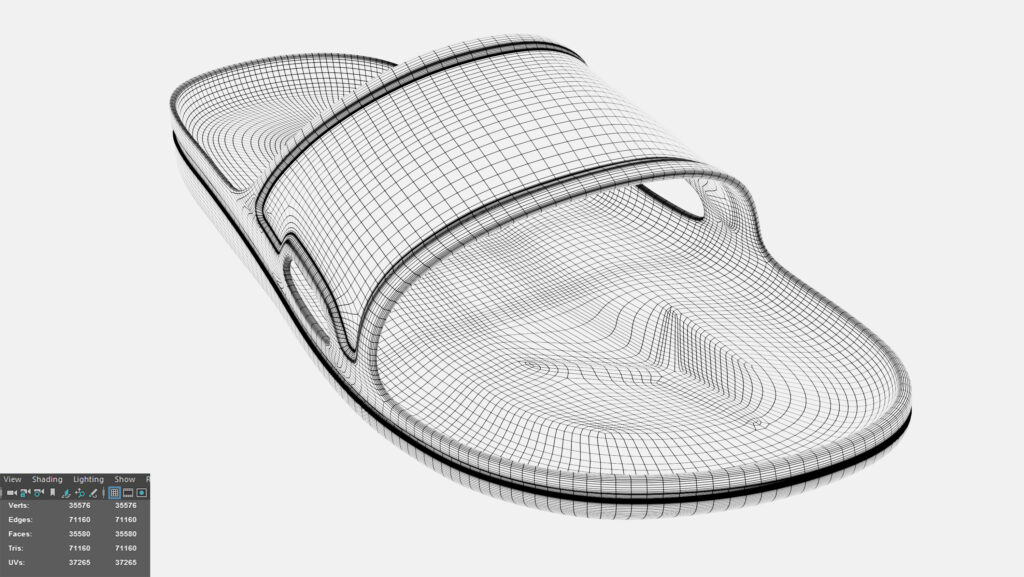
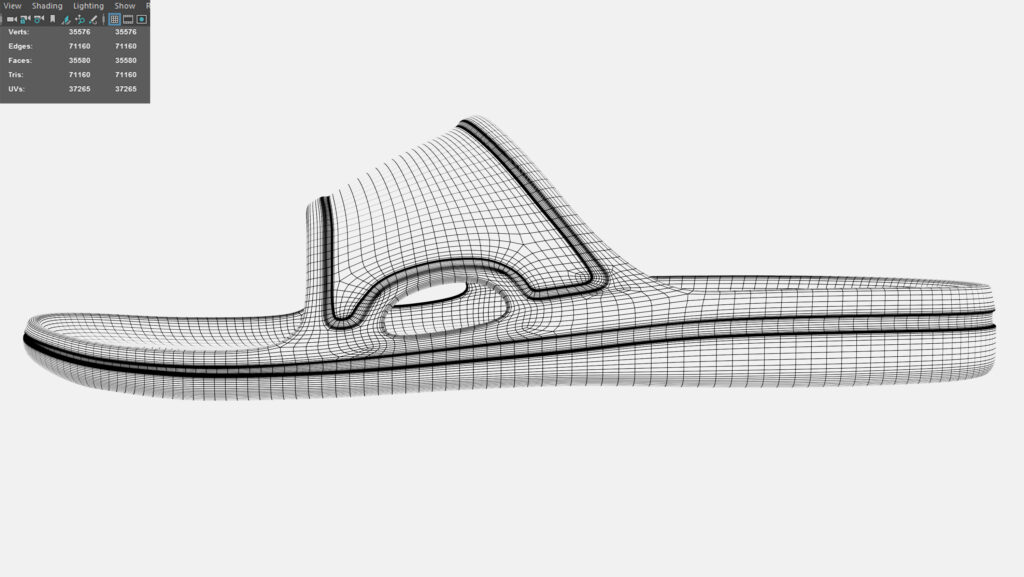
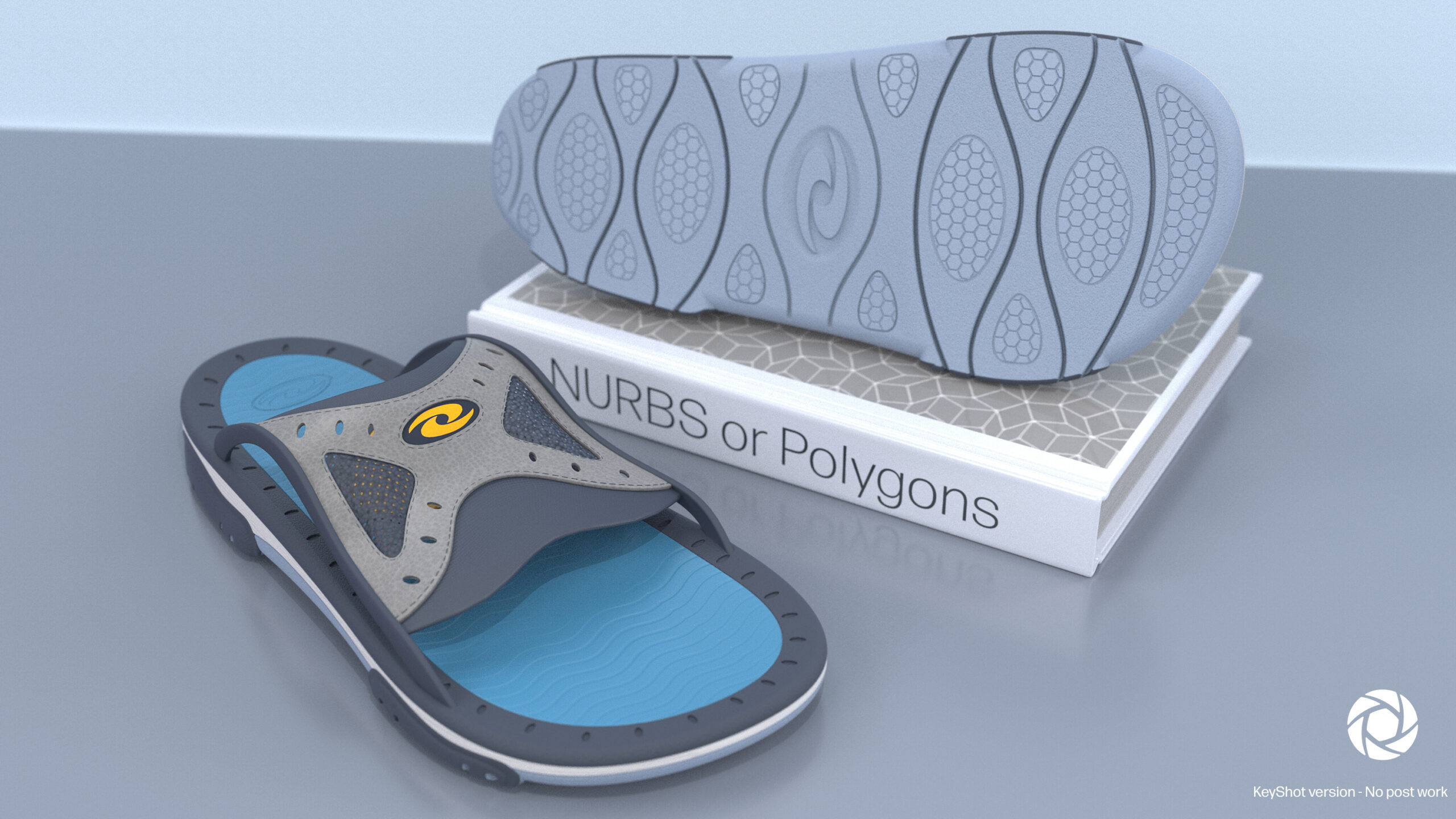
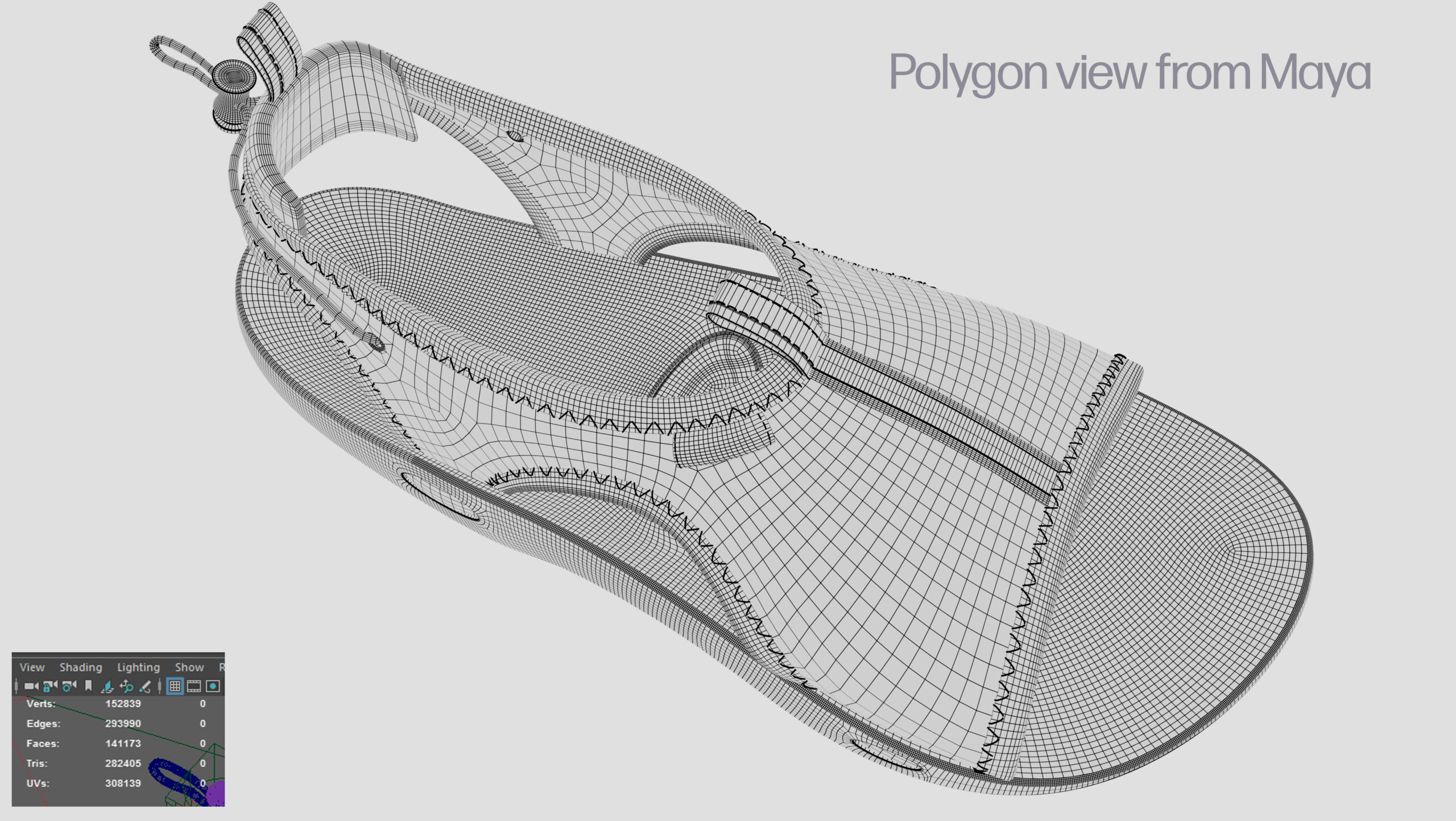
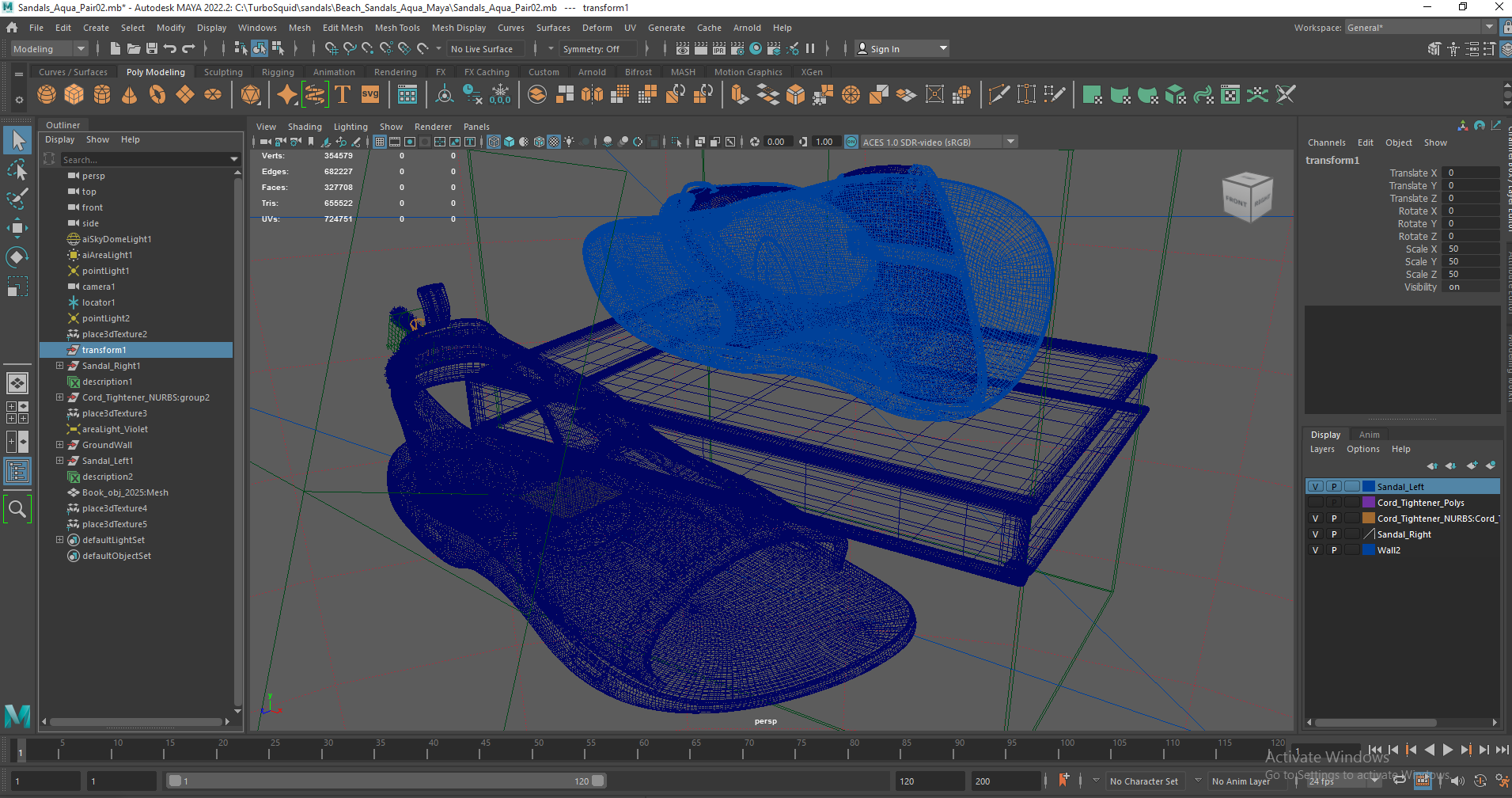
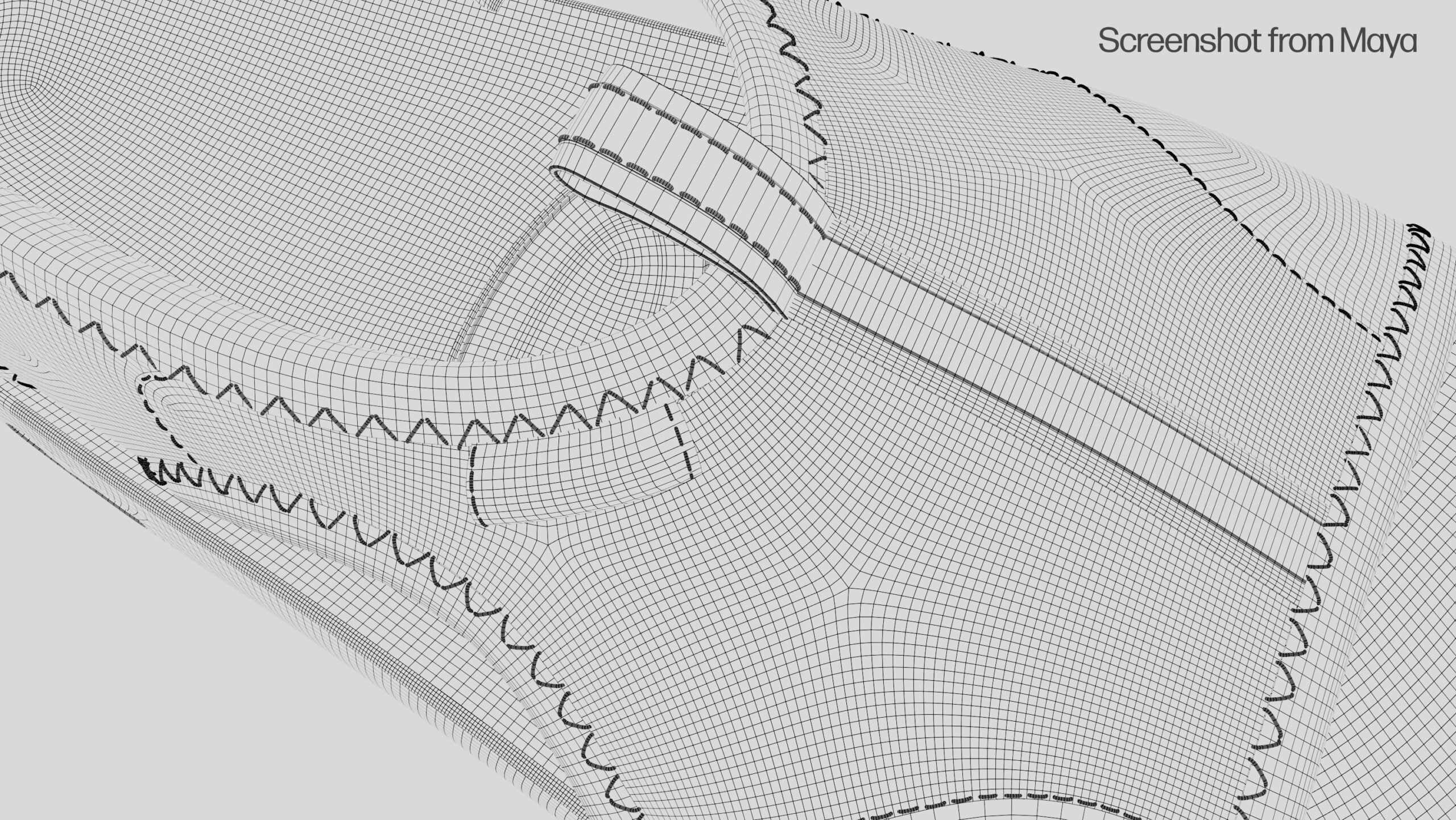
Here is a Polygon view of this design. I built this model in BOTH Polygons and water-tight NURBs/Parametric CAD.
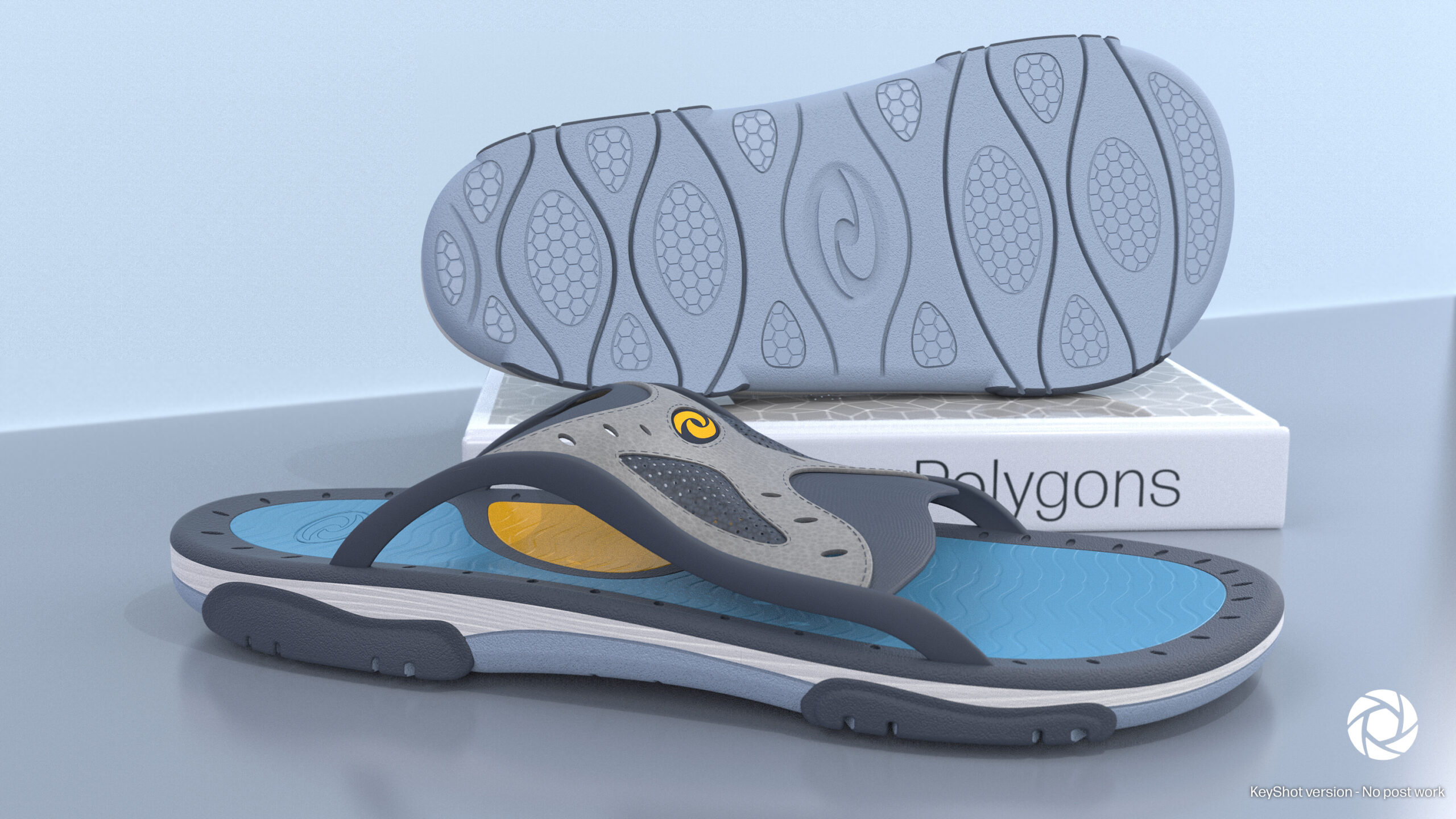
I used the NURBS CAD version for Keyshot, so its has more precise details and a smaller file size. You can use NURBs CAD in Maya but not in Blender. It is difficult to do “bending animation” with non-polygonal models
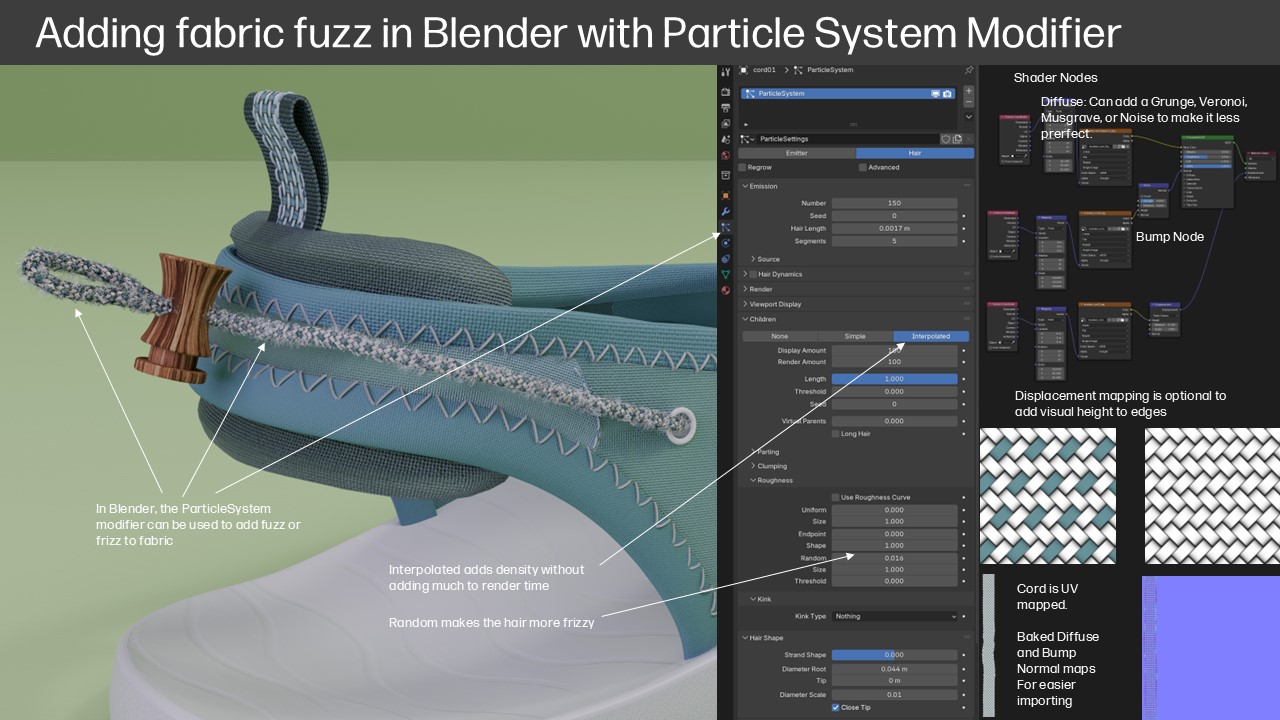
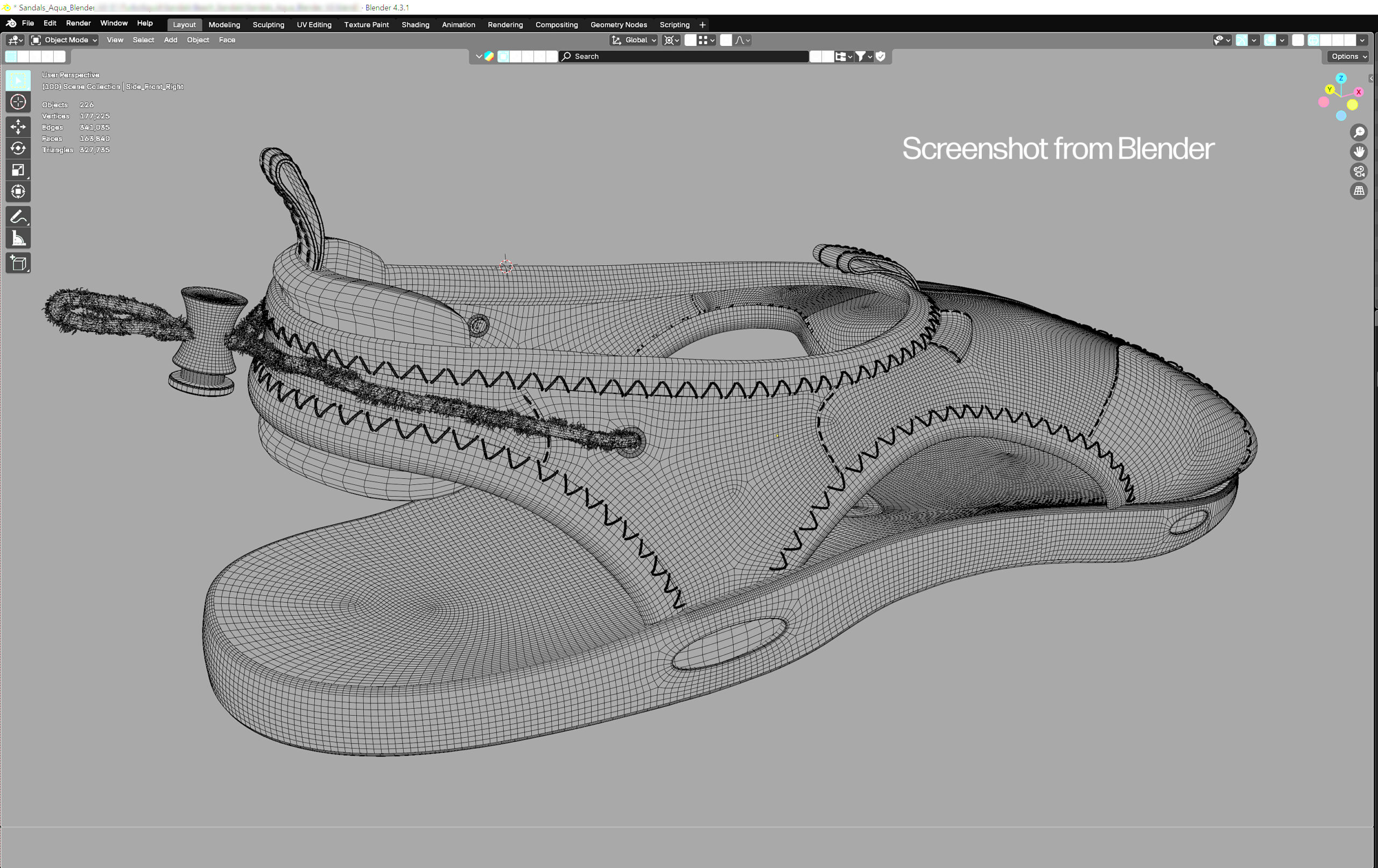
Creating subtle fabric fuzz is a different process in each of these three programs… In Blender you can use ParticleSystems – see arrow
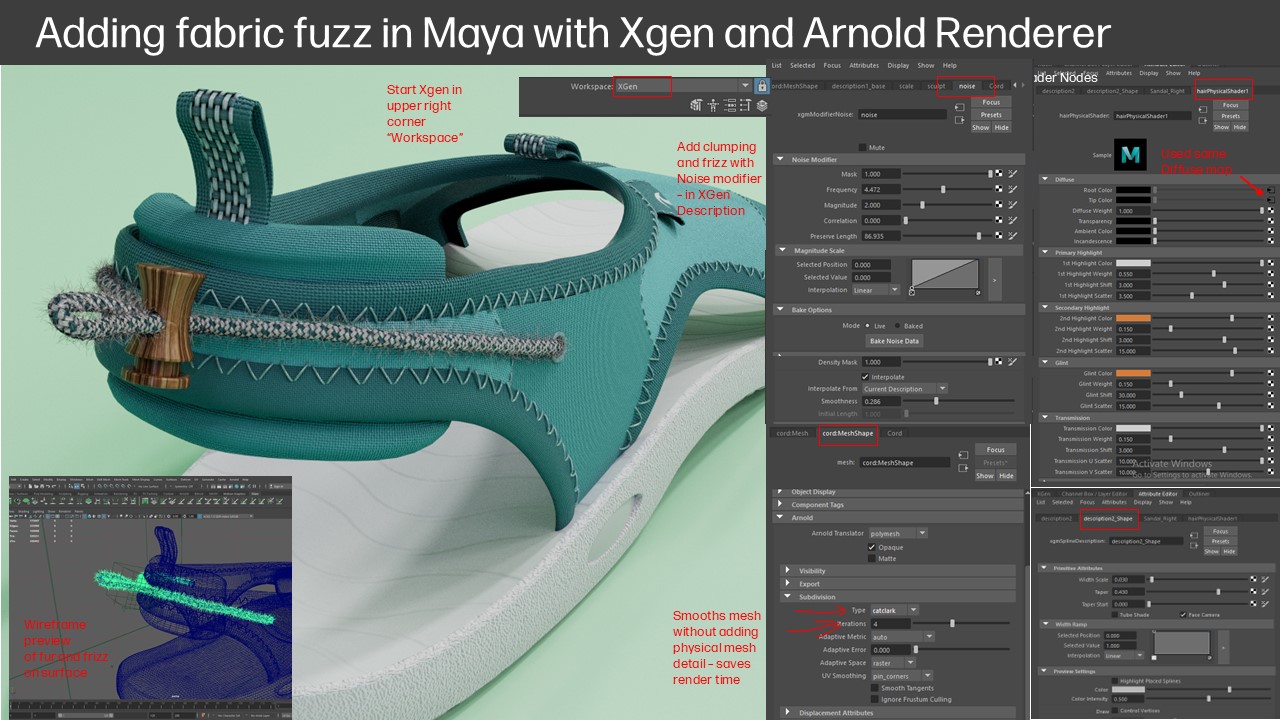
In Maya, you can use Xgen for fuzz, fur, and hair. Start by selecting the Xgen Workspace in the upper righthand corner of the screen
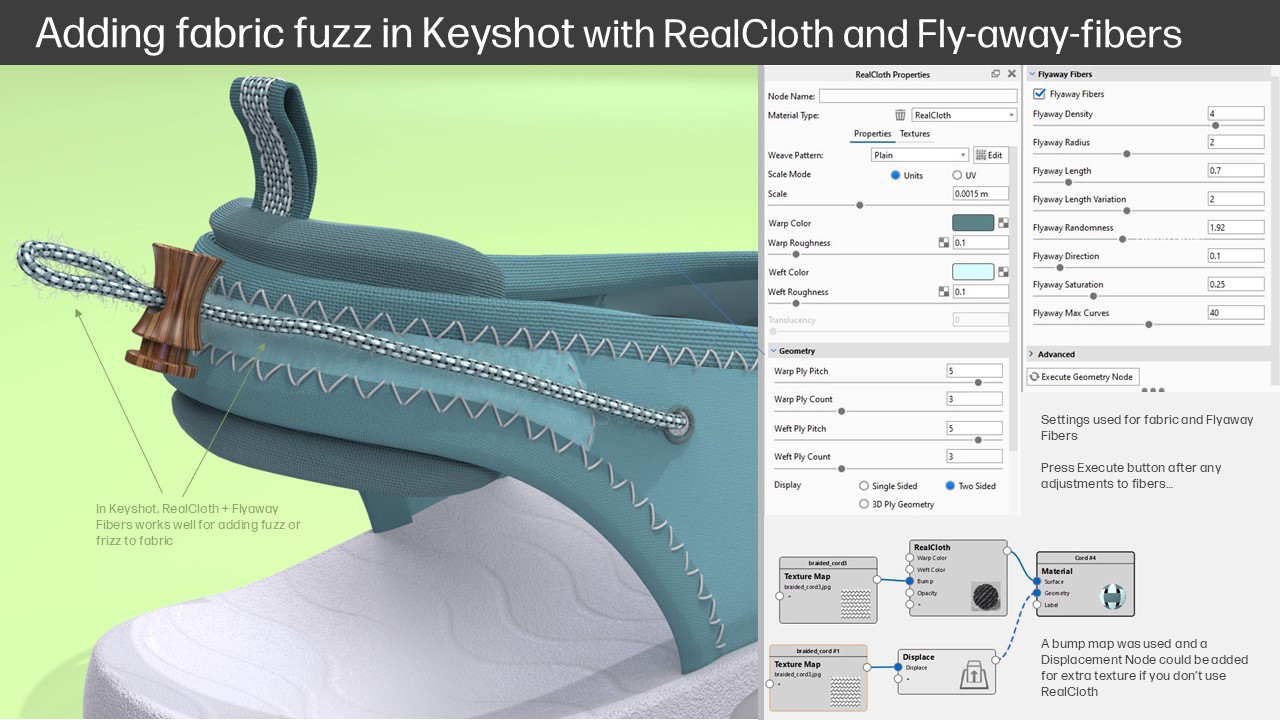
The RealCloth shader in Keyshot has a number of factors you can modify. See the Flyaway fibers window above.
This model was created as both a NURBS CAD and polygonal (Quads) version. I recreated some parts and used Quad-Remesher Blender/Maya plugin to optimize other meshes. Also used Maya to convert some NURBs to Quad polygons.
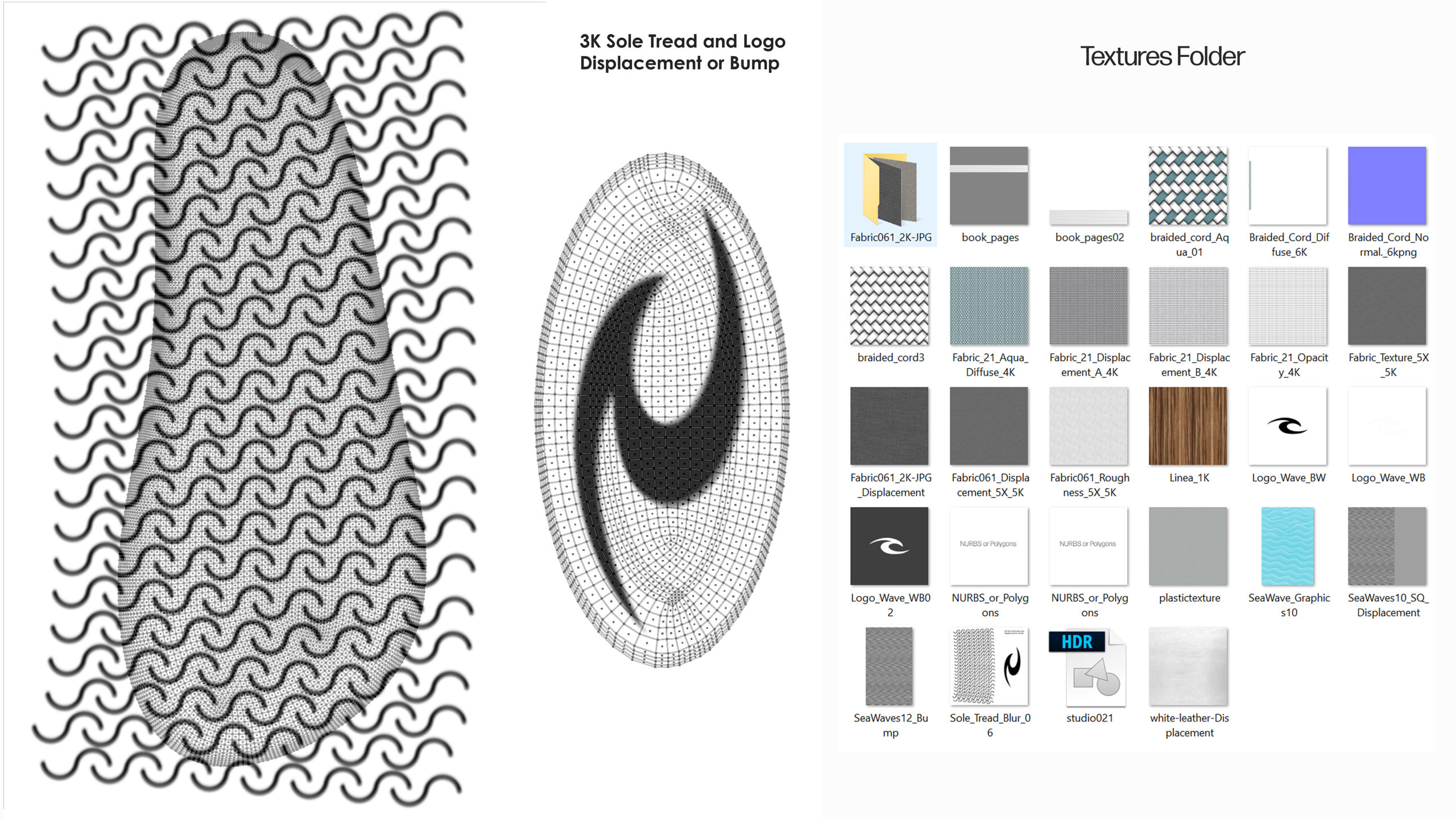
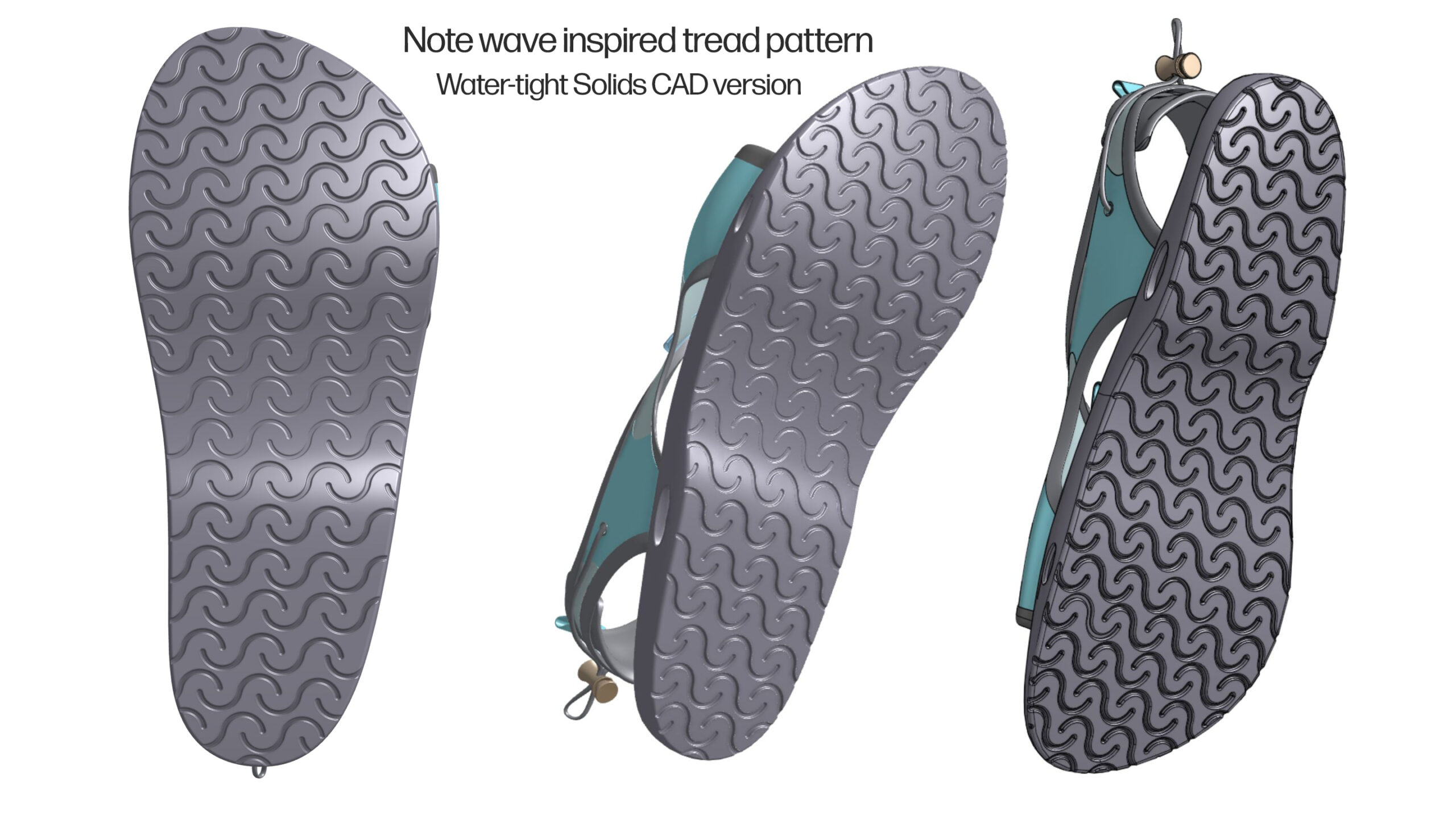
This is the water-tight CAD version. I use tools like Alias, SolidWorks, and/or Onshape for engineering CAD.
Grass was scattered over the beach with “GeoScatter”, where you can easily vary the size, rotation, clumping, and even paint or weight-map where you want or don’t want the objects (like the path). Scene leveraged from my Beach Cruiser model…
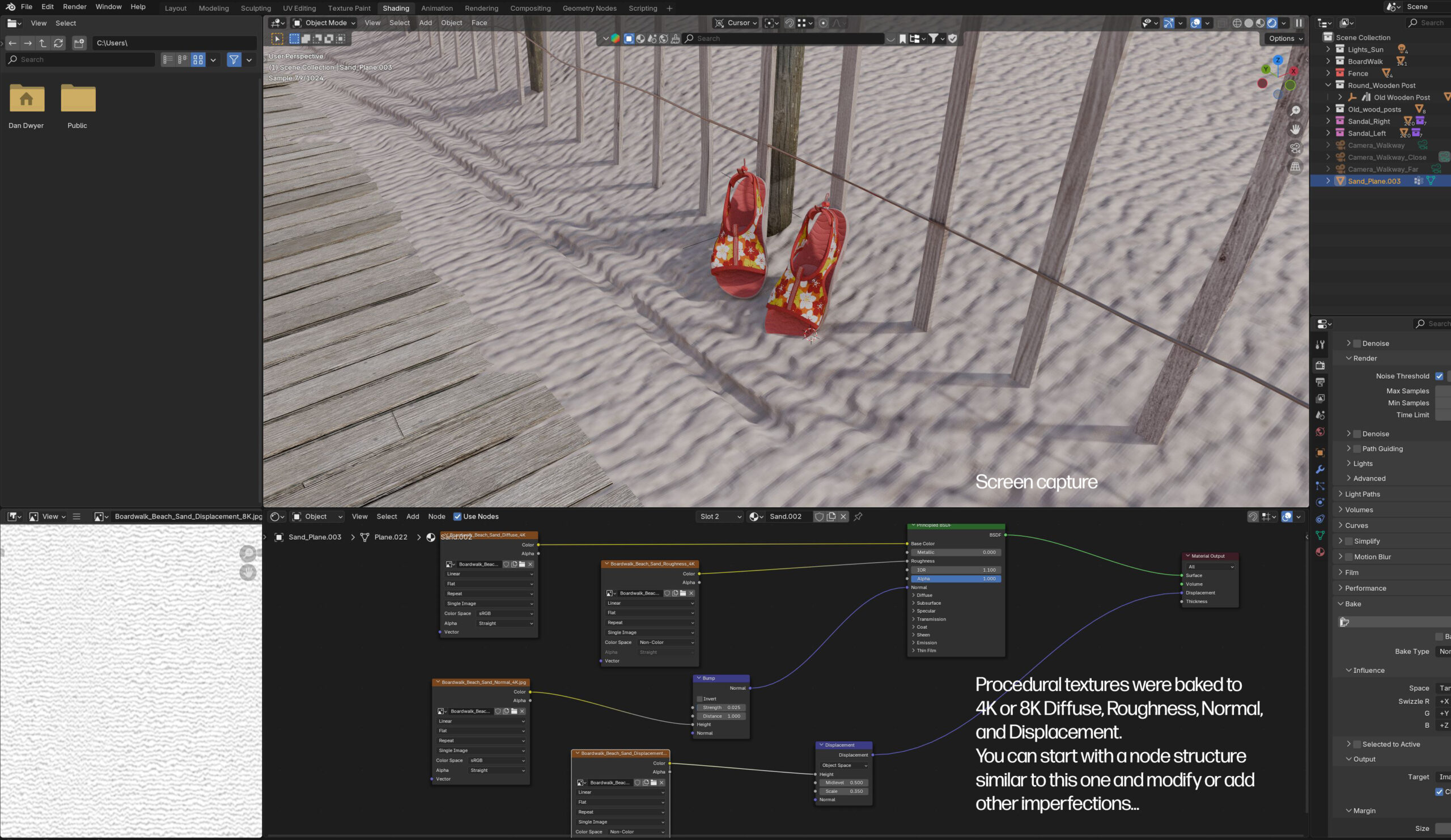
I baked the procedural sand bump/displacement/normal/diffuse/roughness for importing to other programs.